What Church Hub does today
Every area below is in use. Anything still being built is not listed here.
- CalendarThe church calendar with recurring events, filters by type and campus, room booking with conflict warnings and subscription in Google Calendar or Outlook.
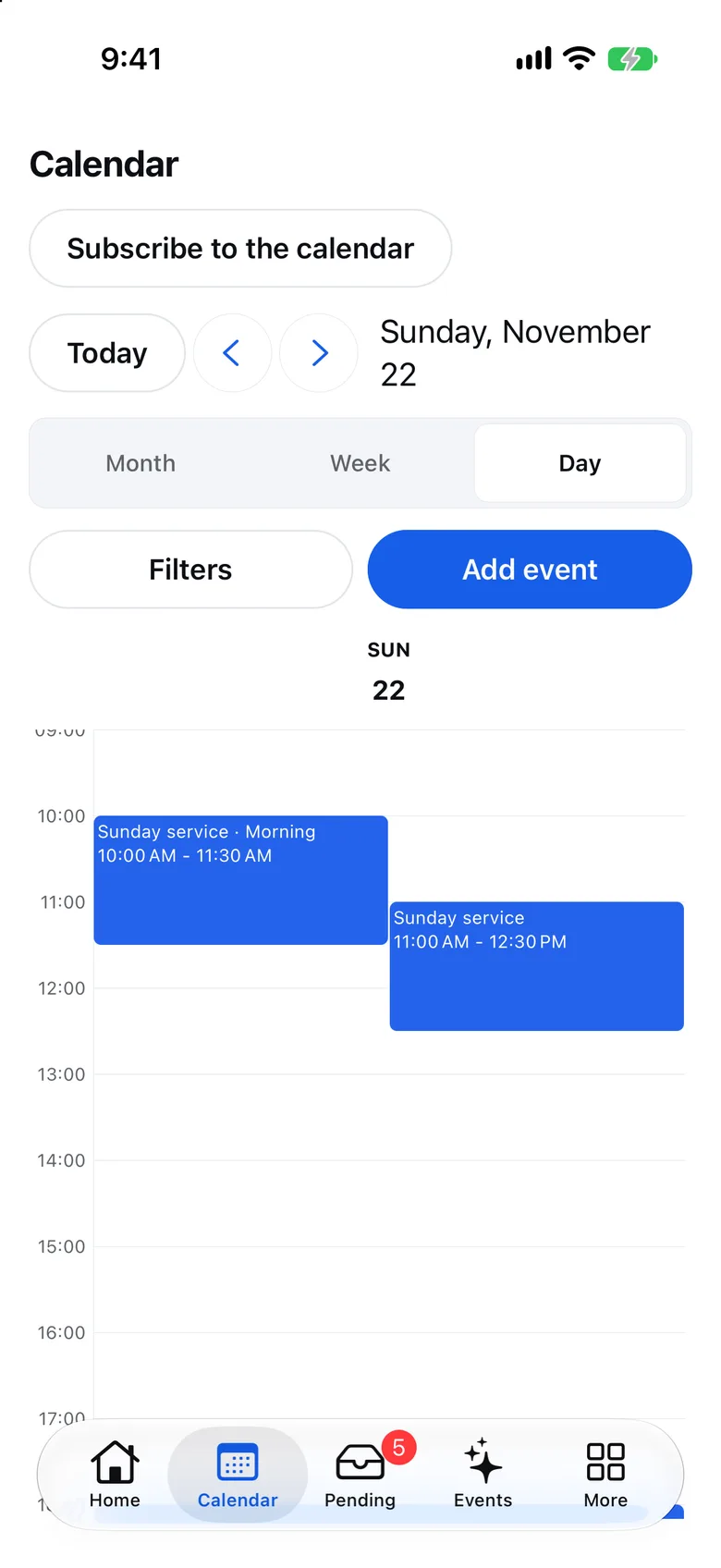
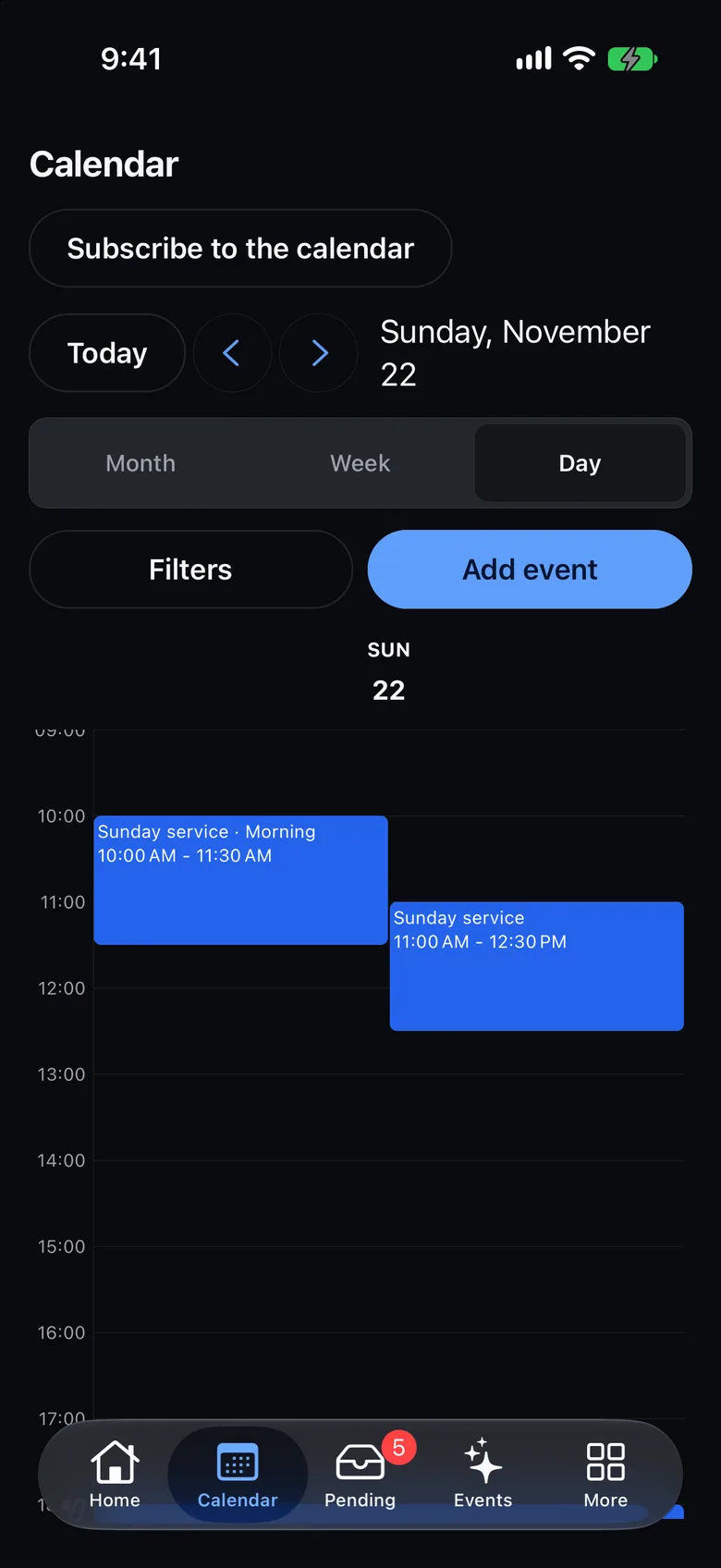
For leaders: whoever runs the calendar decides on requests and sees, in a section of its own, what is still with the team leader.
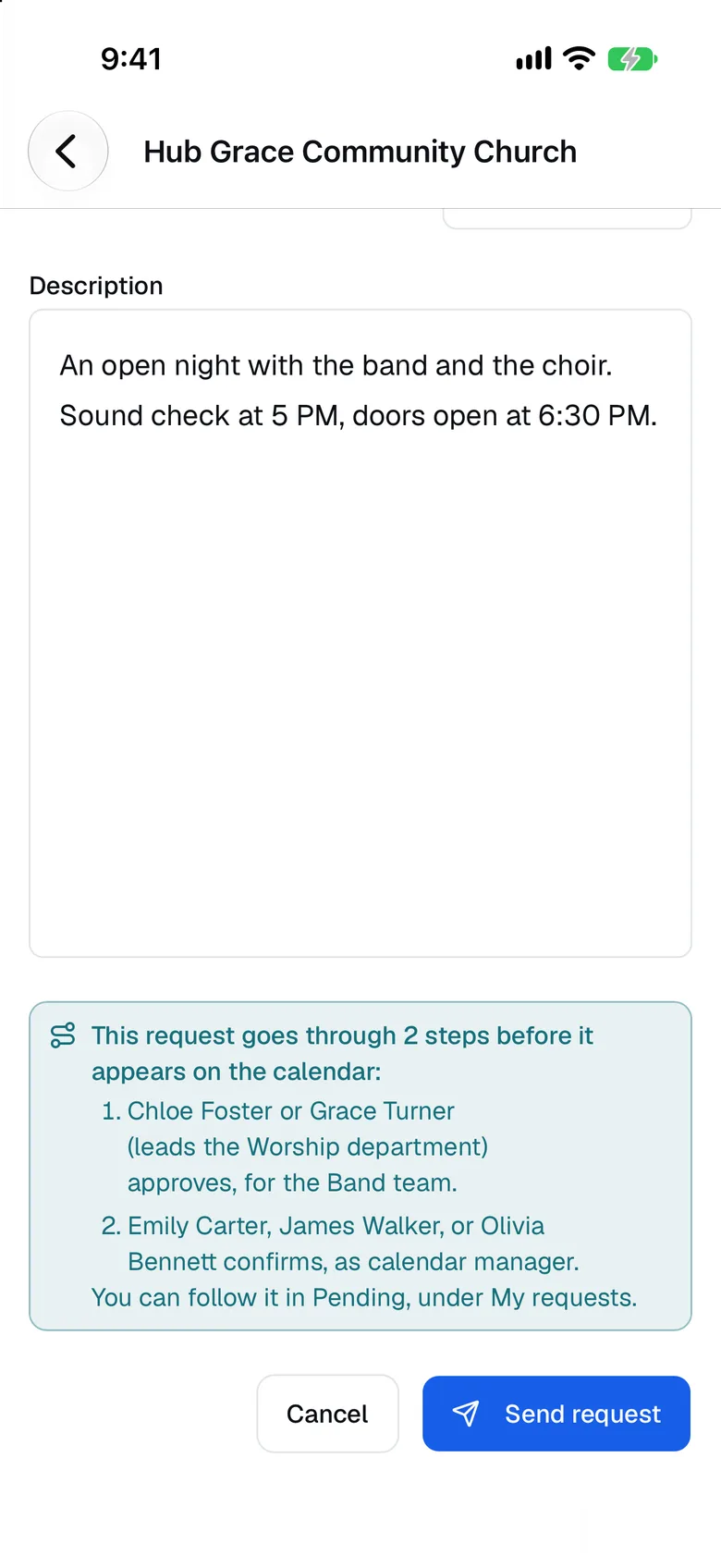
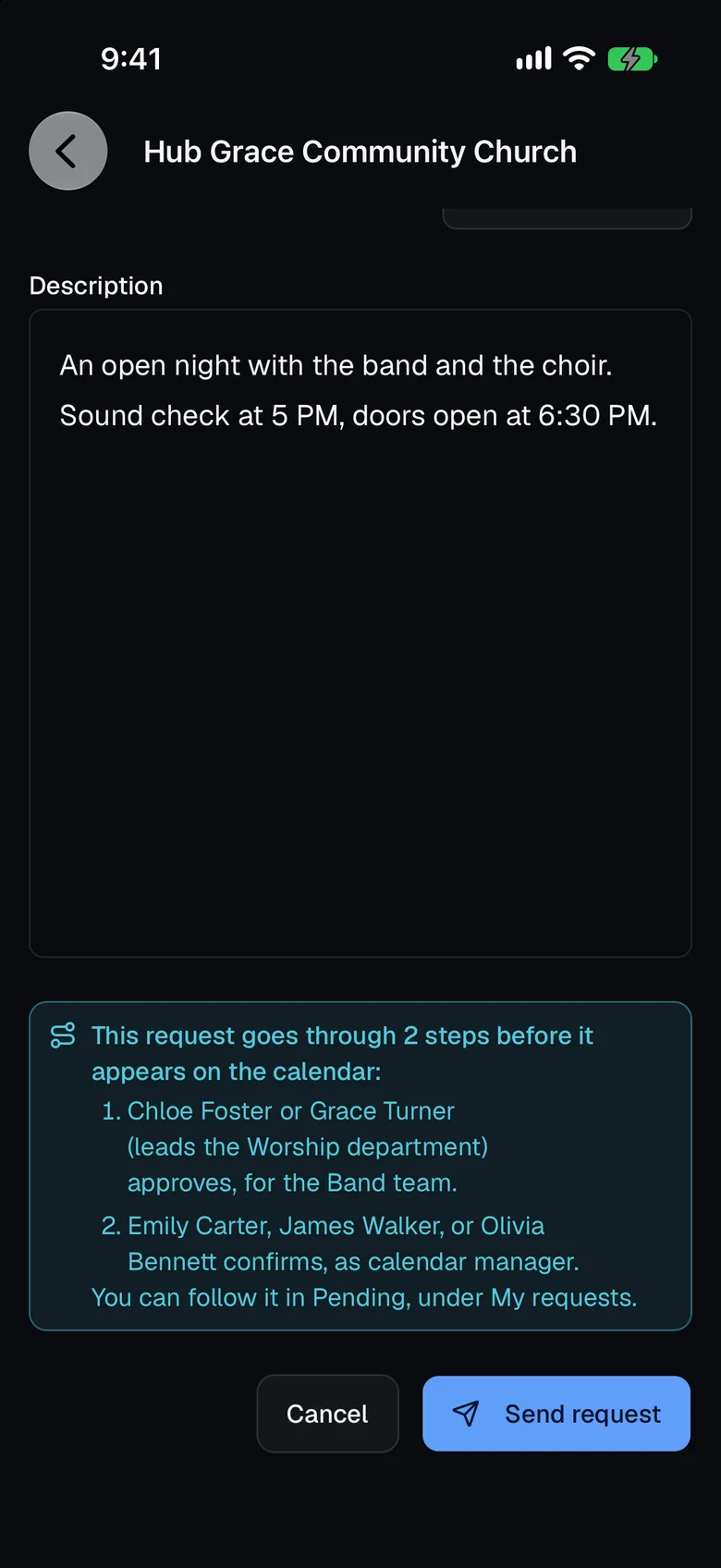
- ApprovalsEvent, change and post requests go through whoever decides before they appear. Each person sees what is waiting for them under Pending.
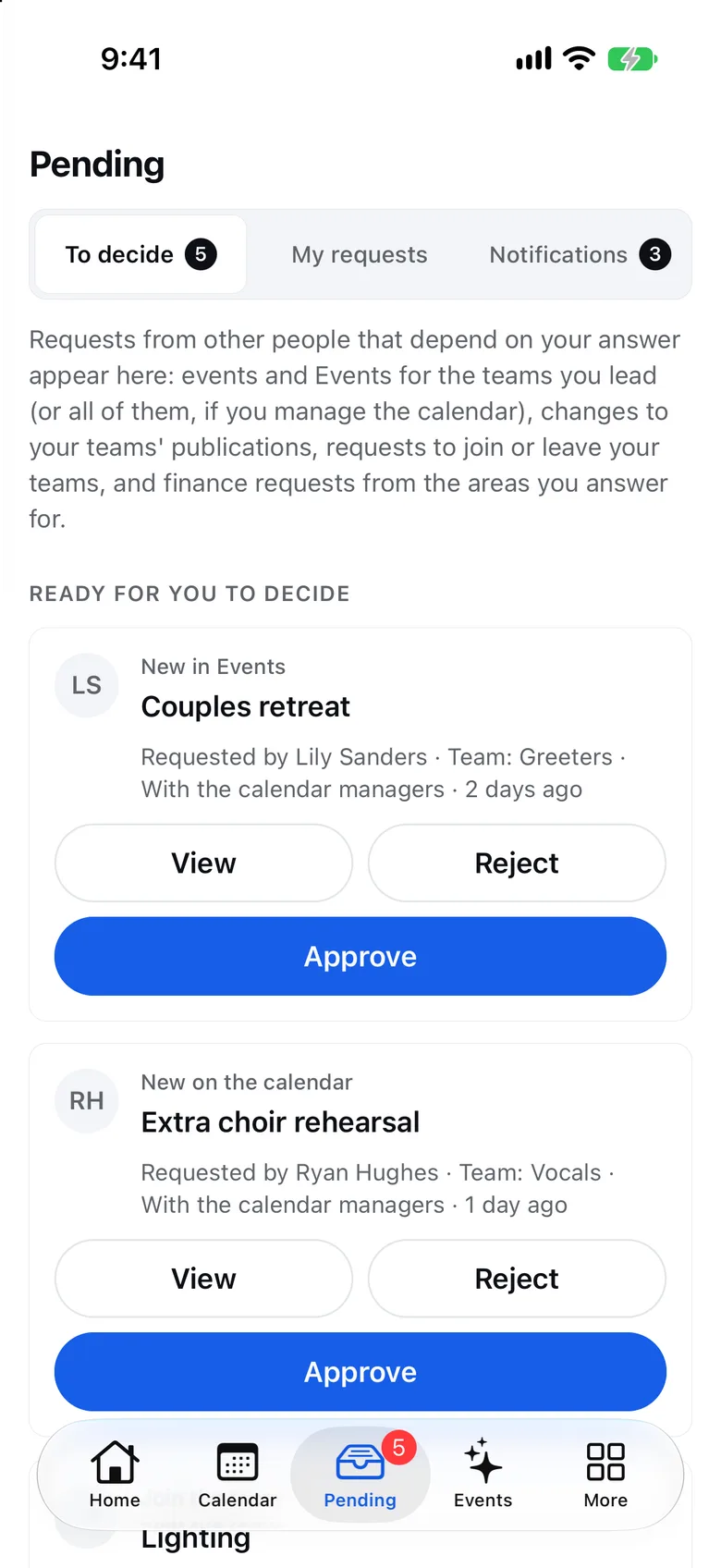
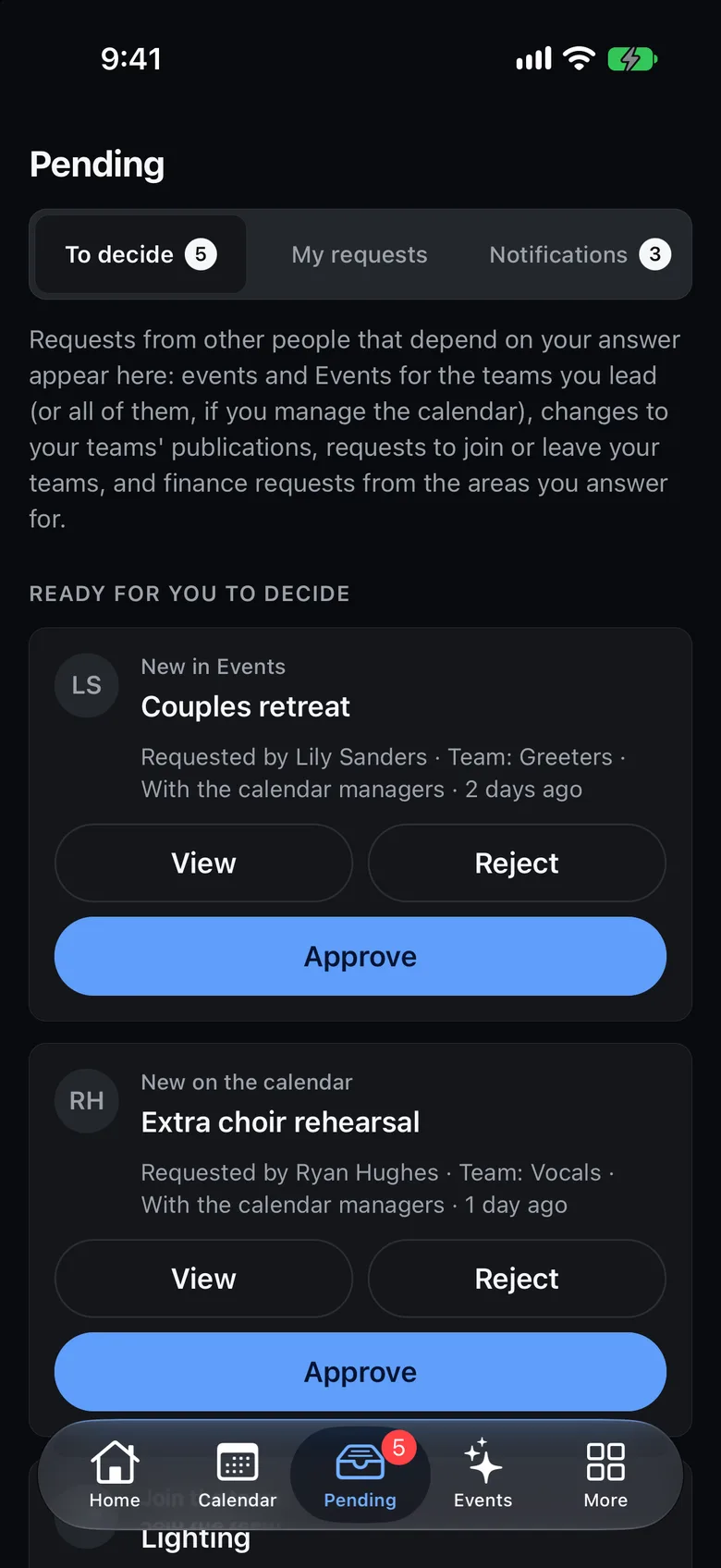
For leaders: leaders approve their own team’s requests and pass on what depends on the calendar.
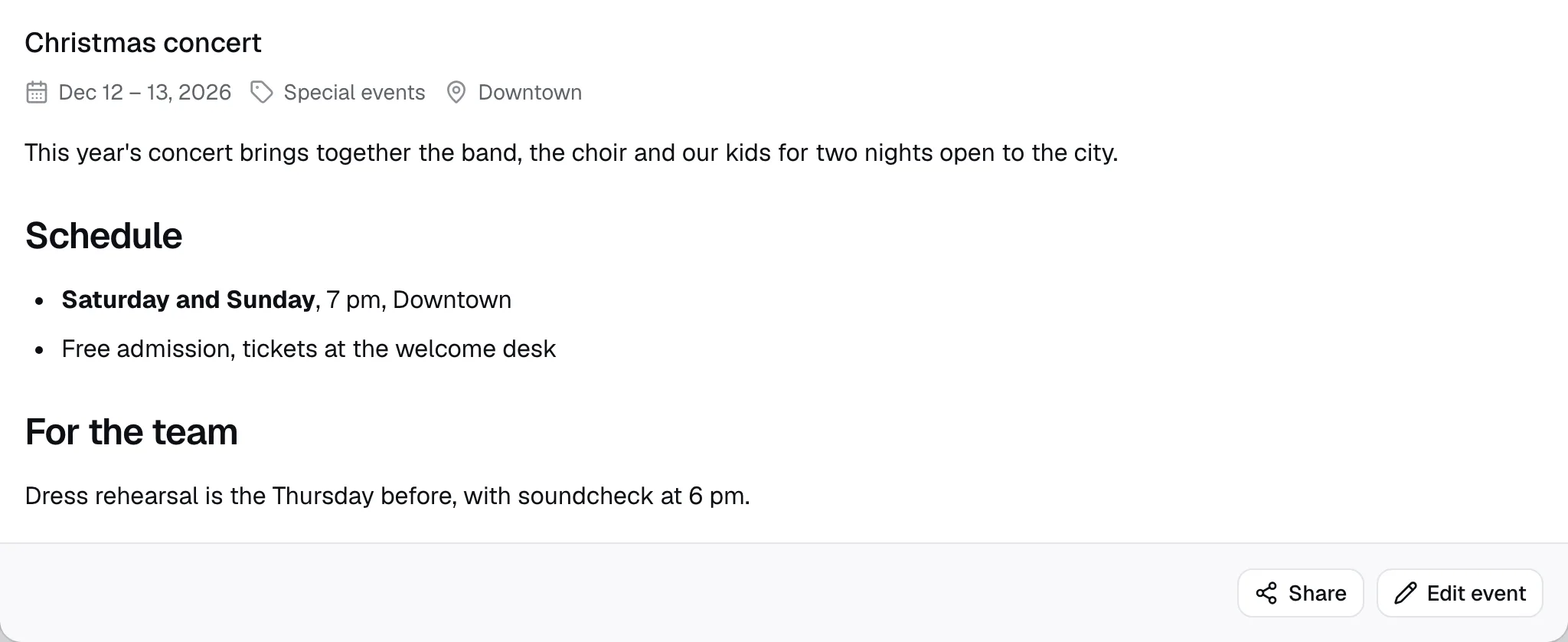
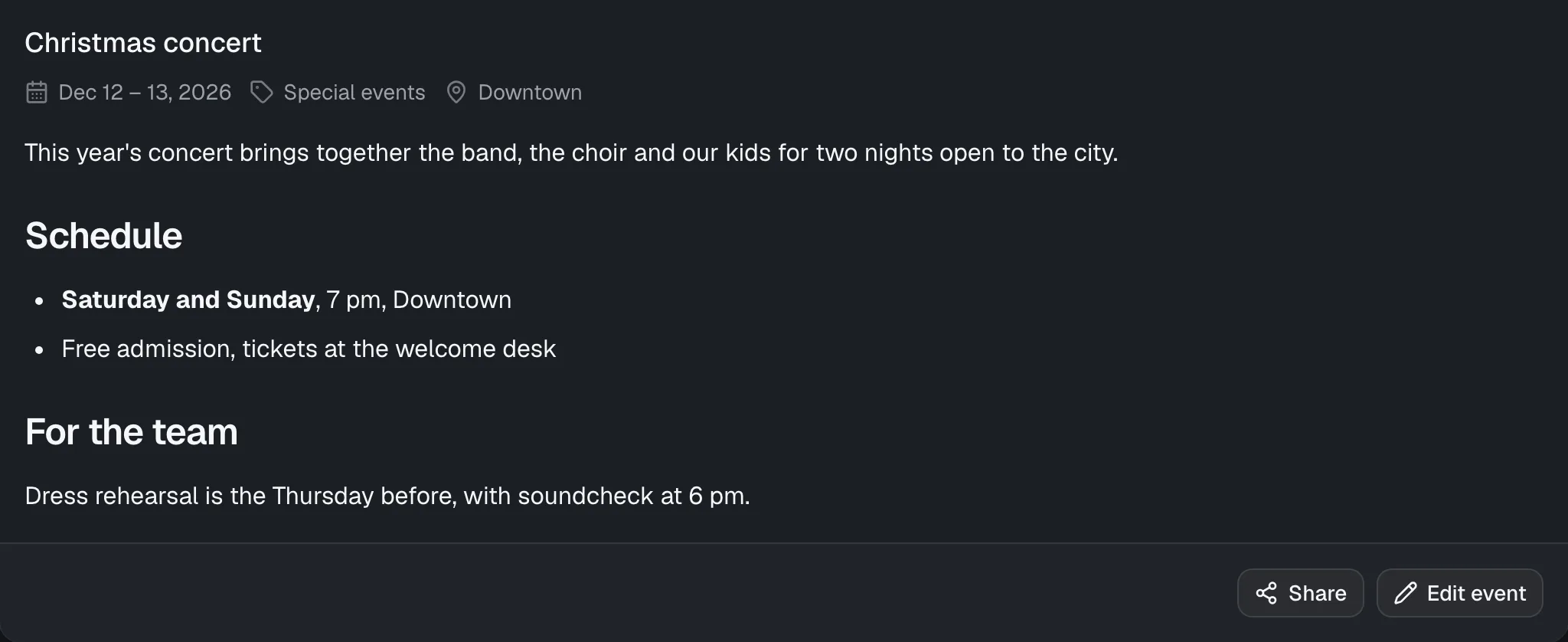
- EventsConferences, retreats and gatherings with their own page, cover image, date and place.
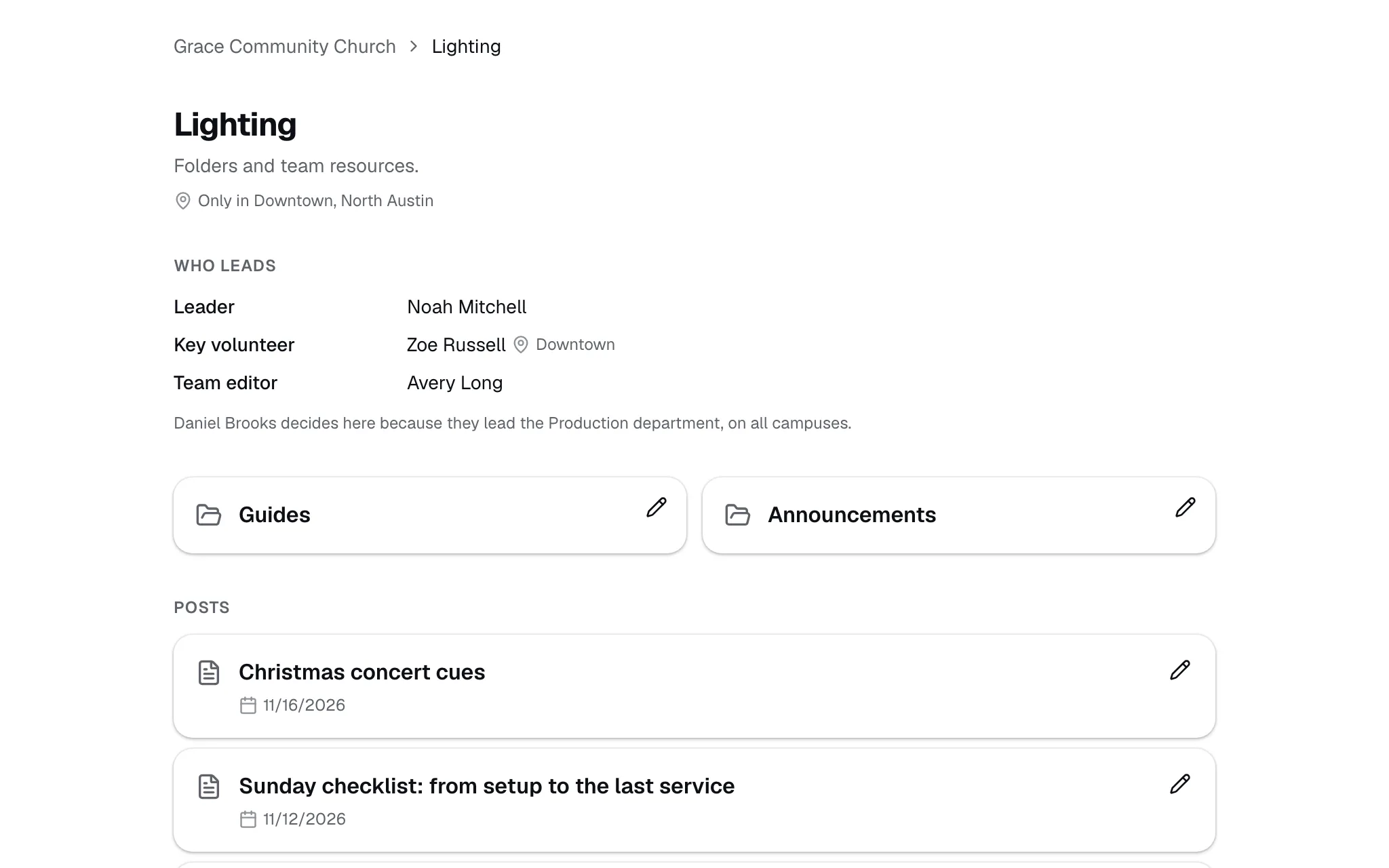
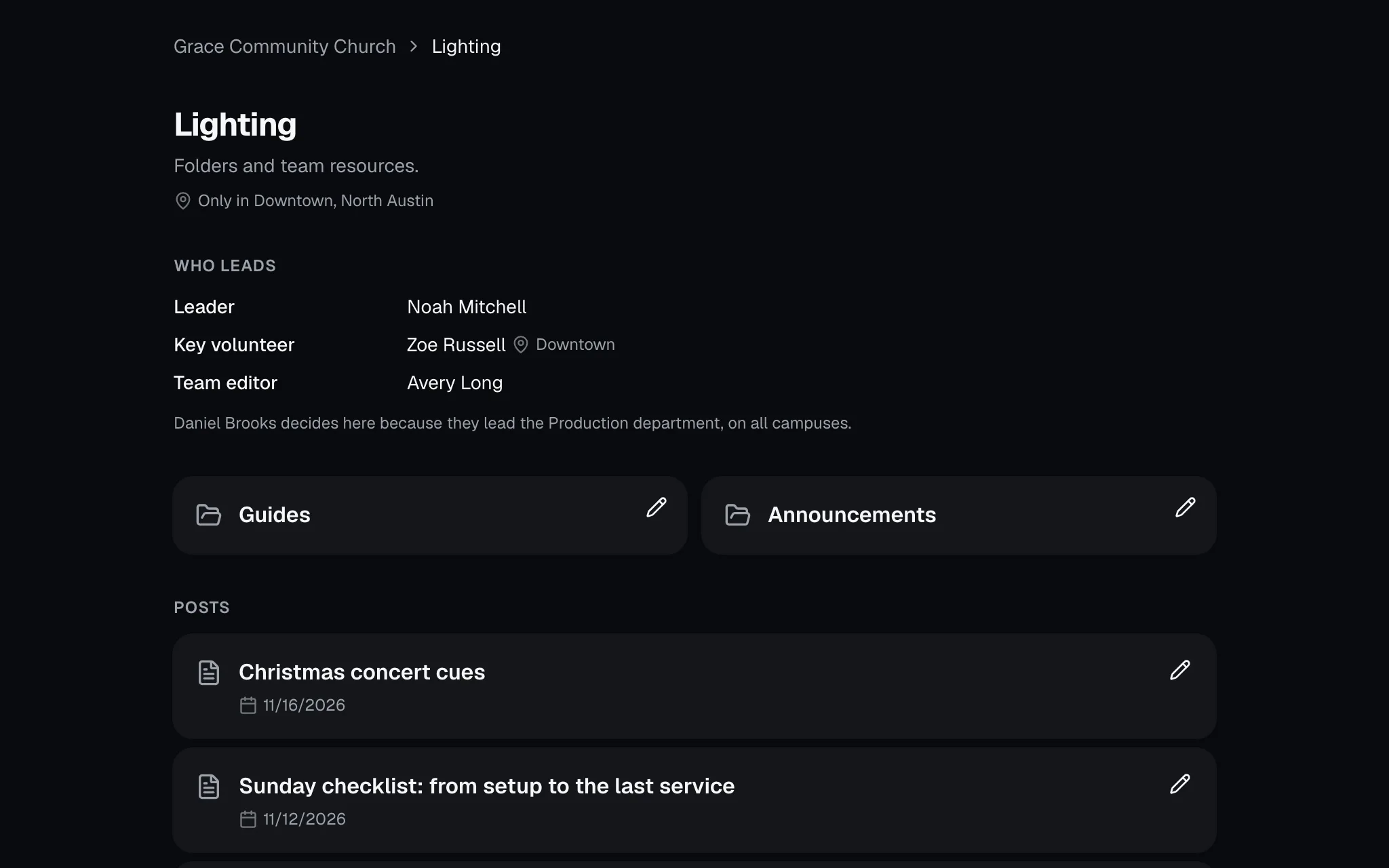
- Teams and postsTeams organized in departments and sub-teams, each with a page, posts in a visual editor, categories, images and useful links.
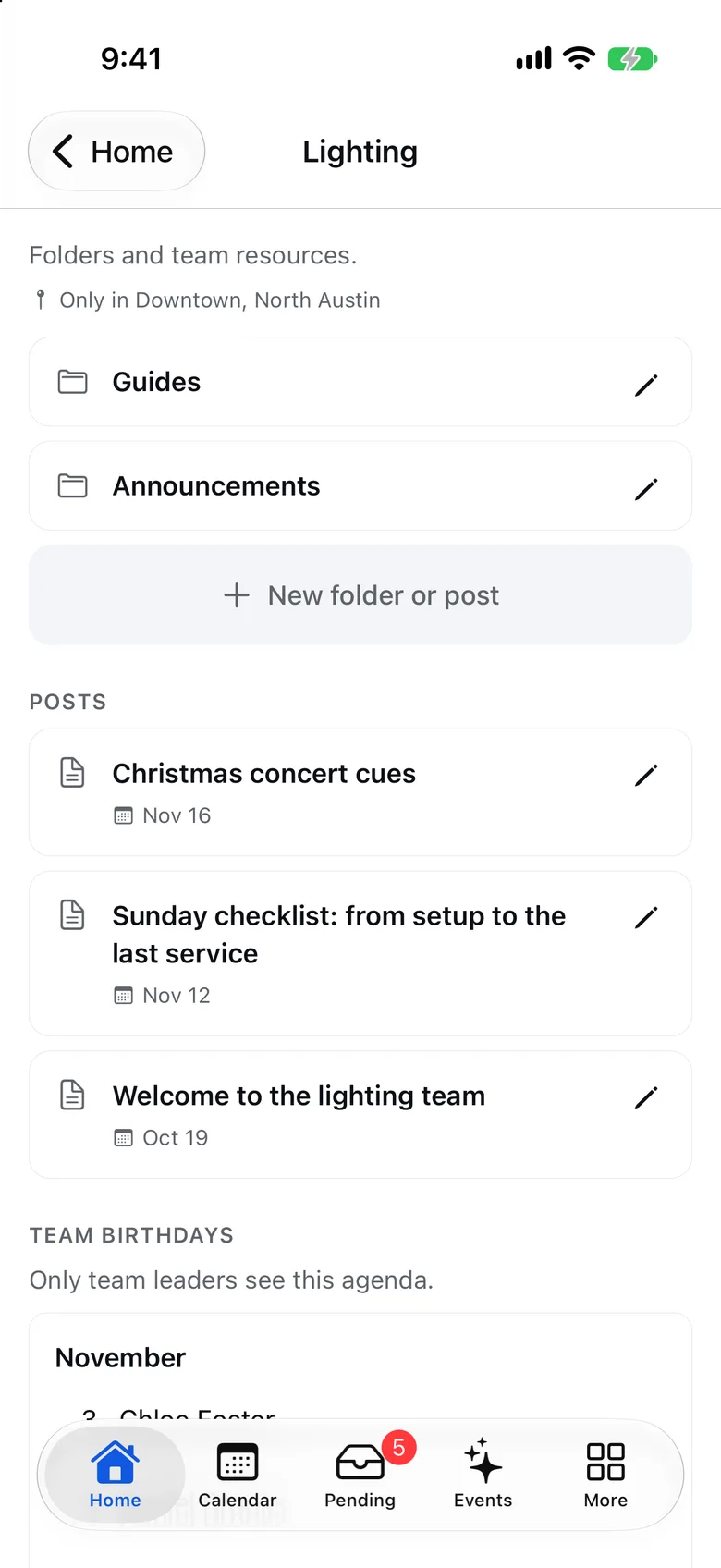
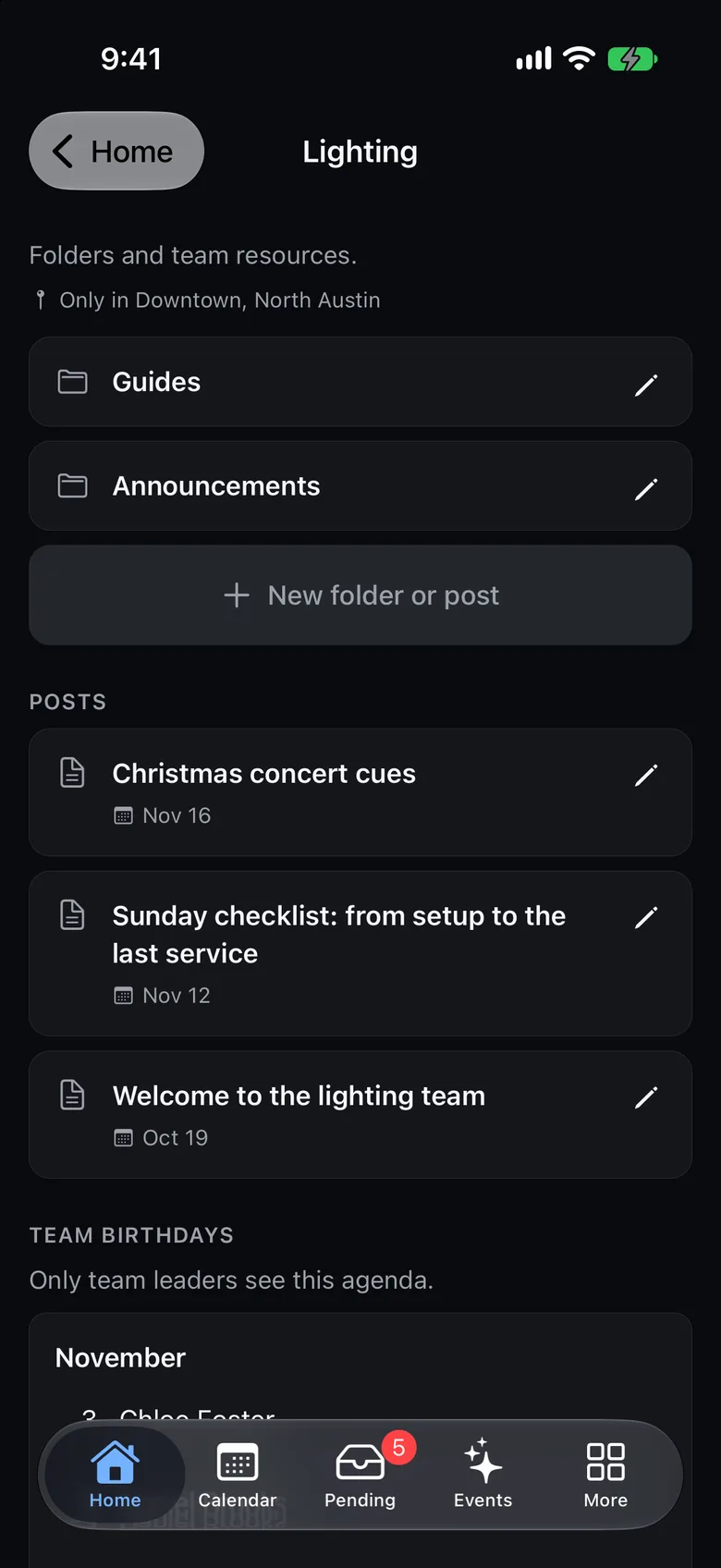
For leaders: leaders publish and organize content for the teams they lead; key volunteers propose changes, and whoever publishes on the team approves them.
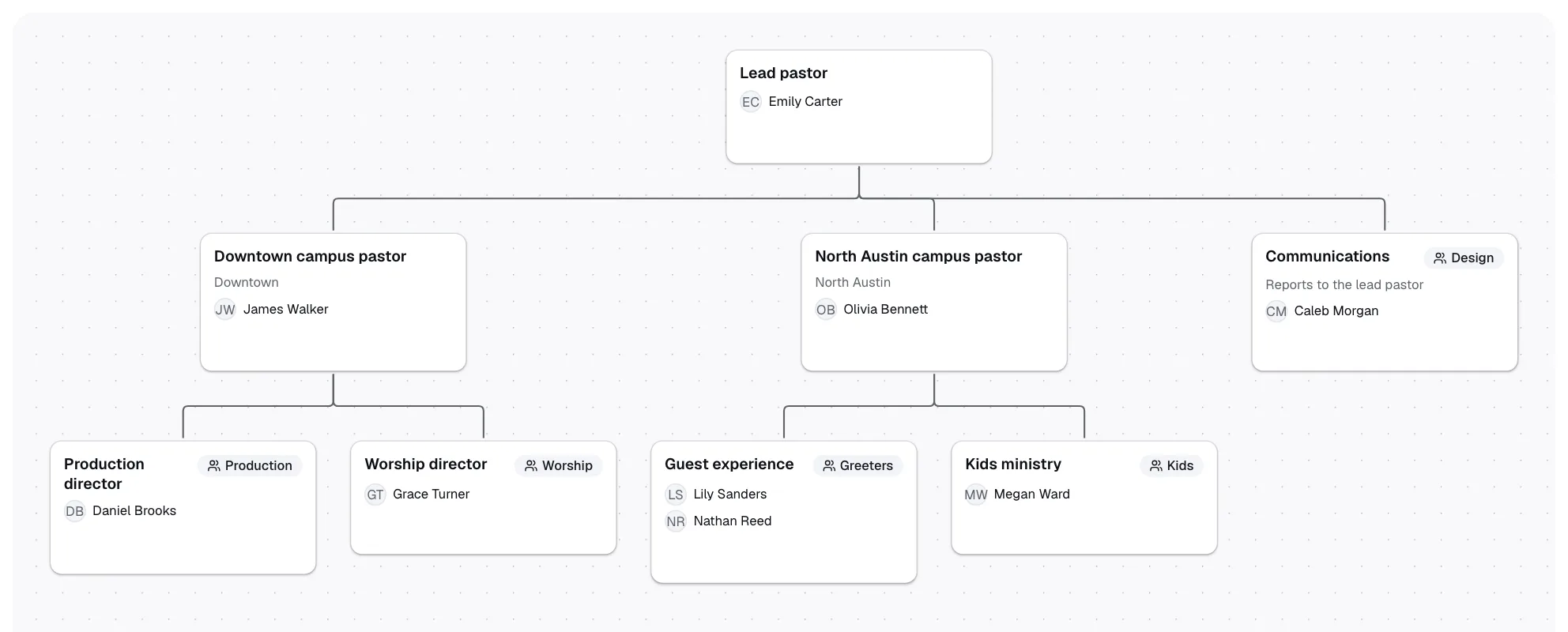
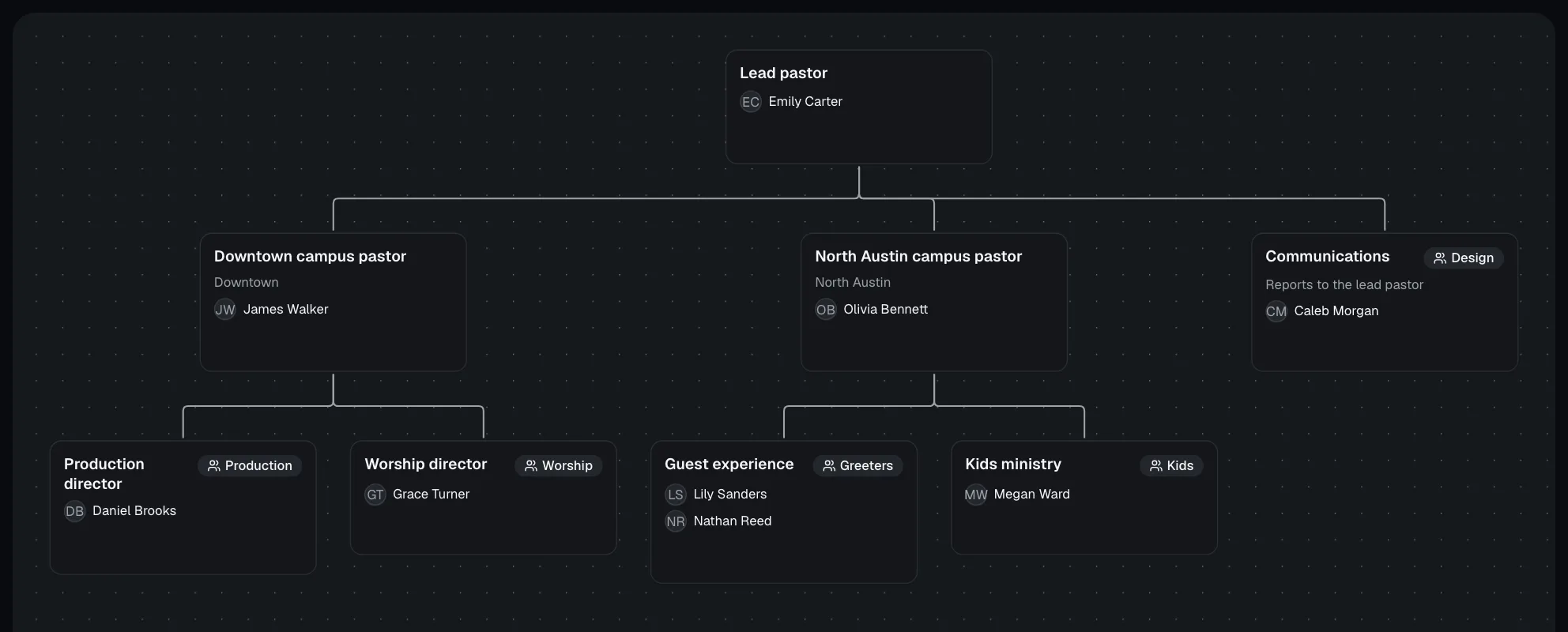
- Org chartRoles, people and campuses in a chart you can read horizontally or vertically. A role can have more than one person or be vacant.
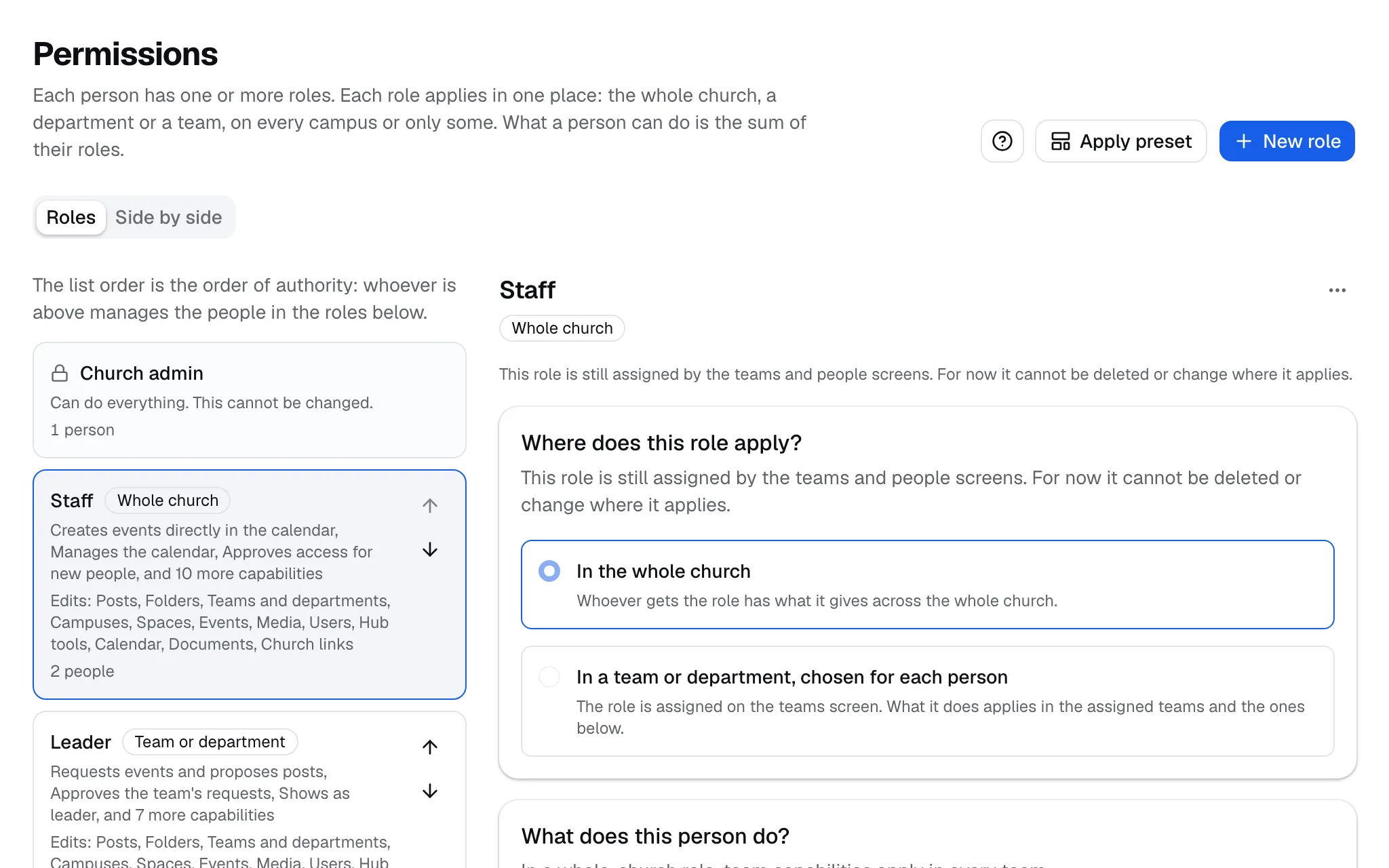
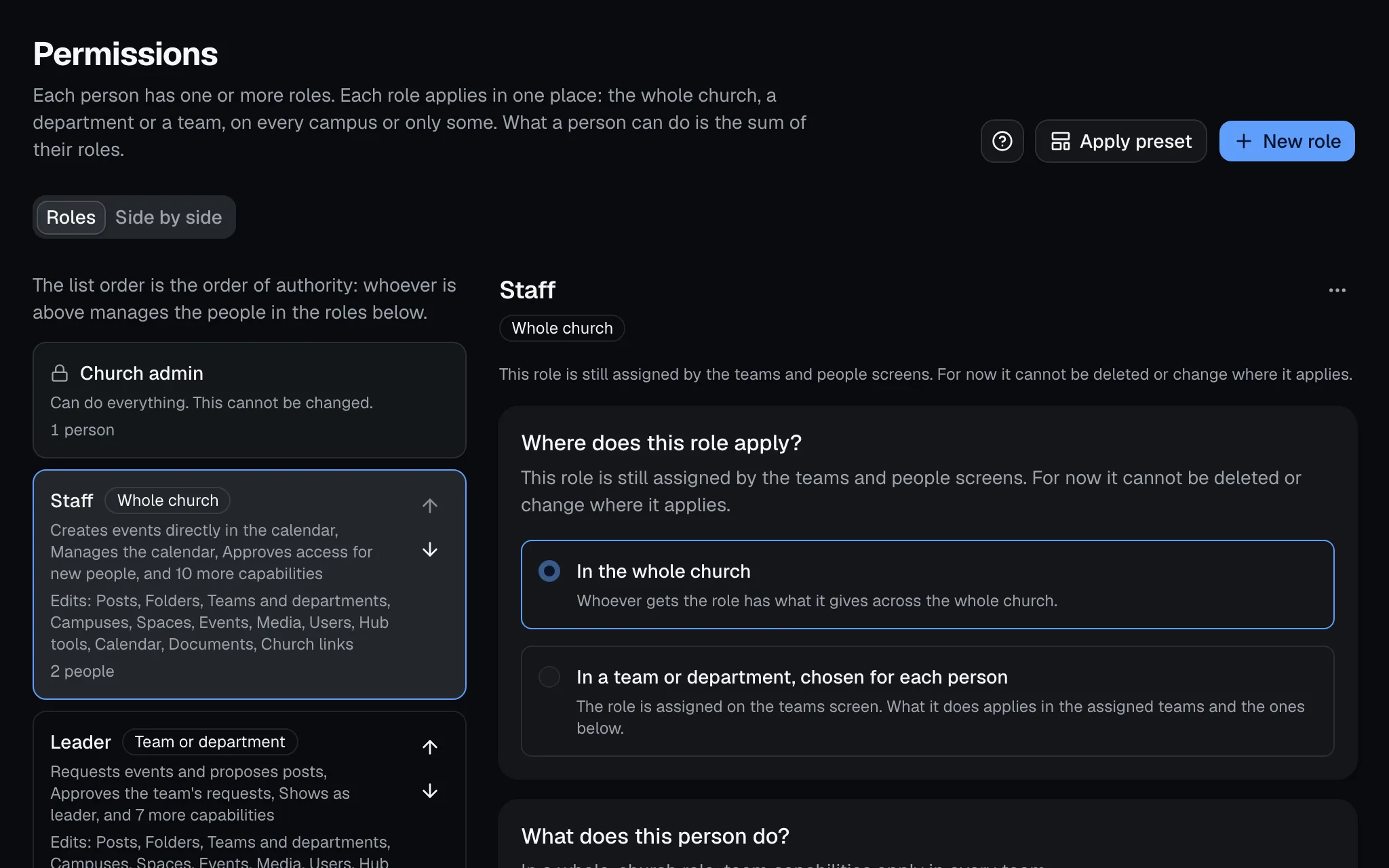
- Roles and permissionsLevels, named roles and a matrix of View, Edit or None for each area, edited by the church.
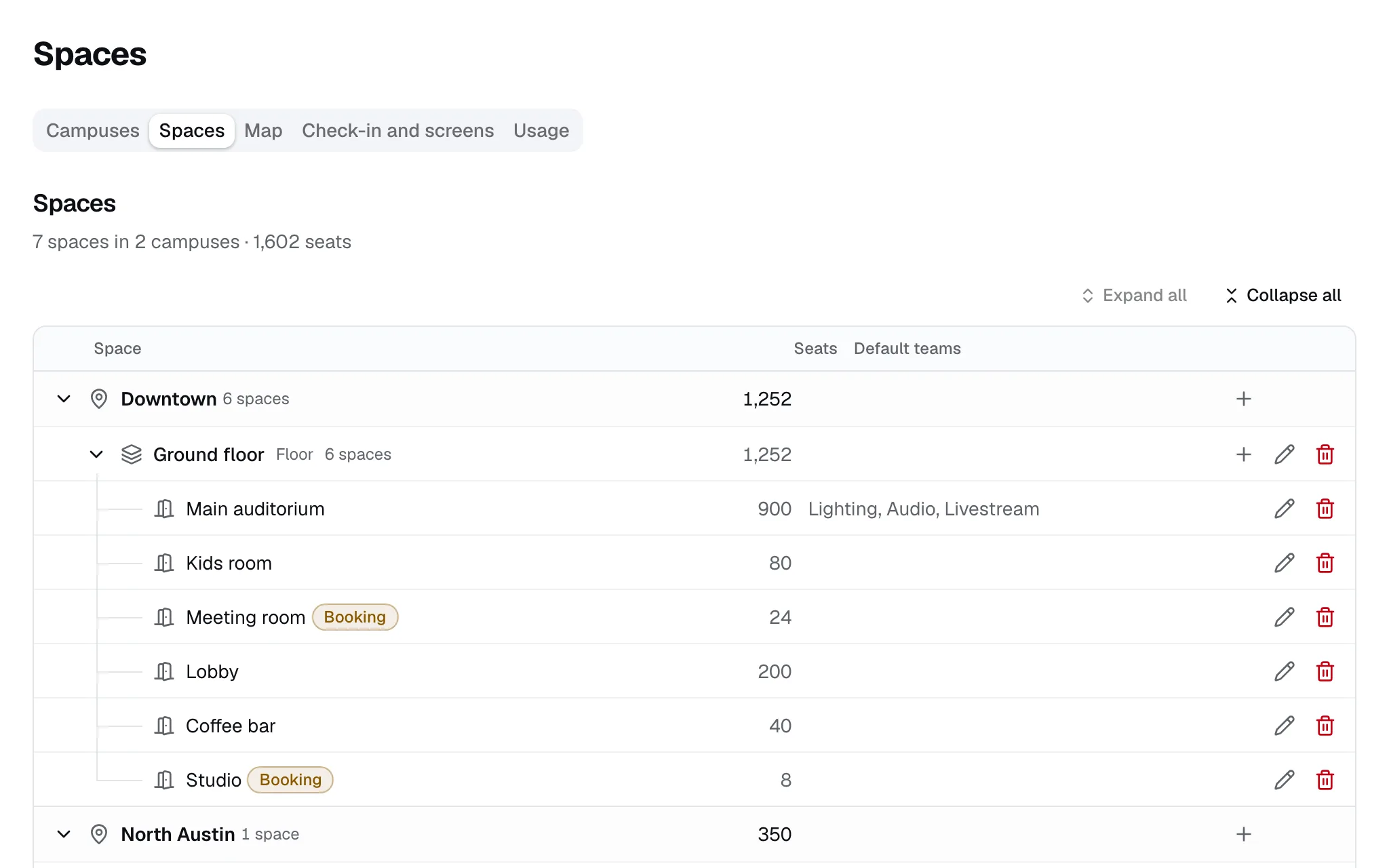
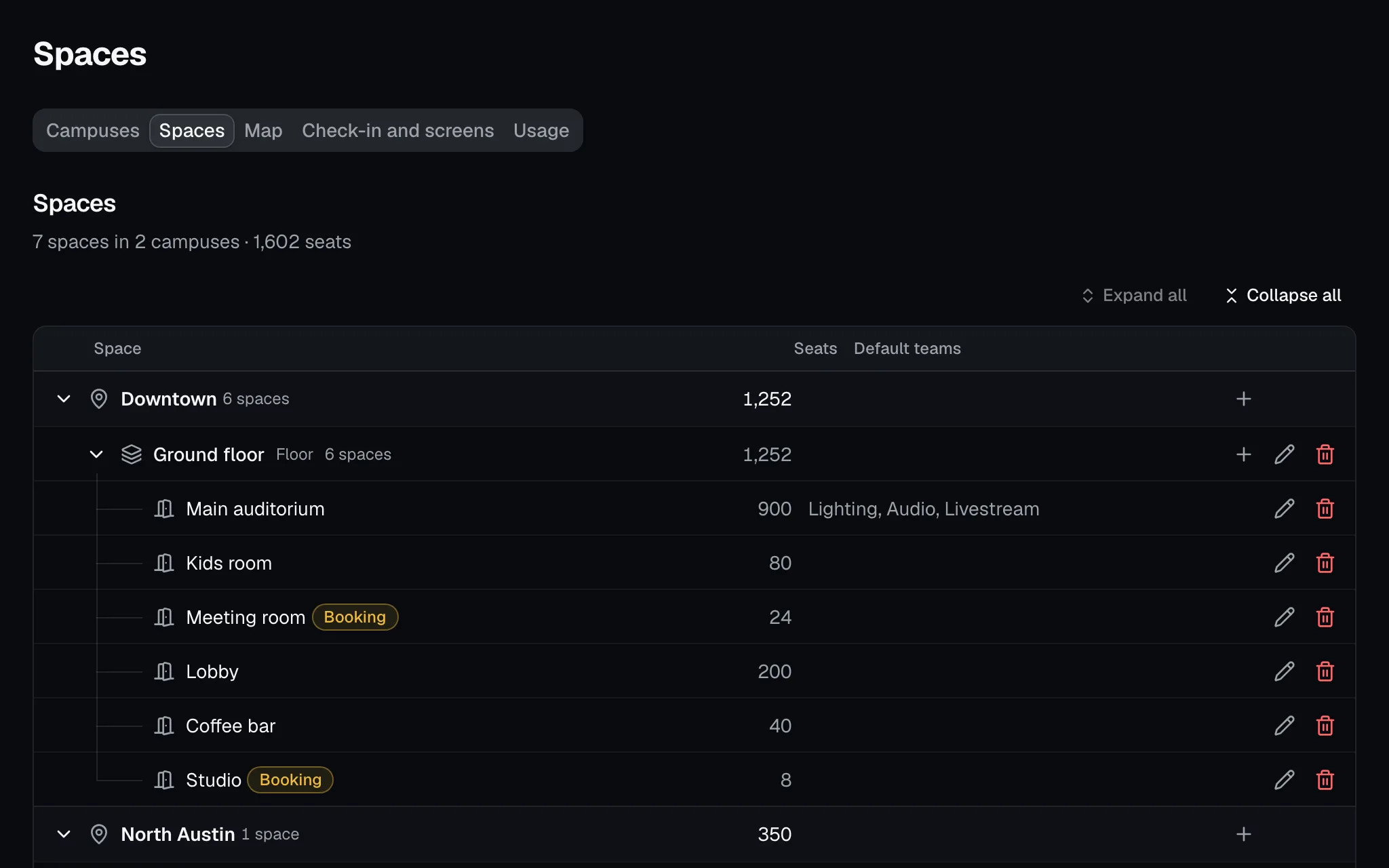
- Spaces and roomsFloors, rooms and the capacity of each space, with the day’s bookings and a door screen for tablets that shows the next booking.
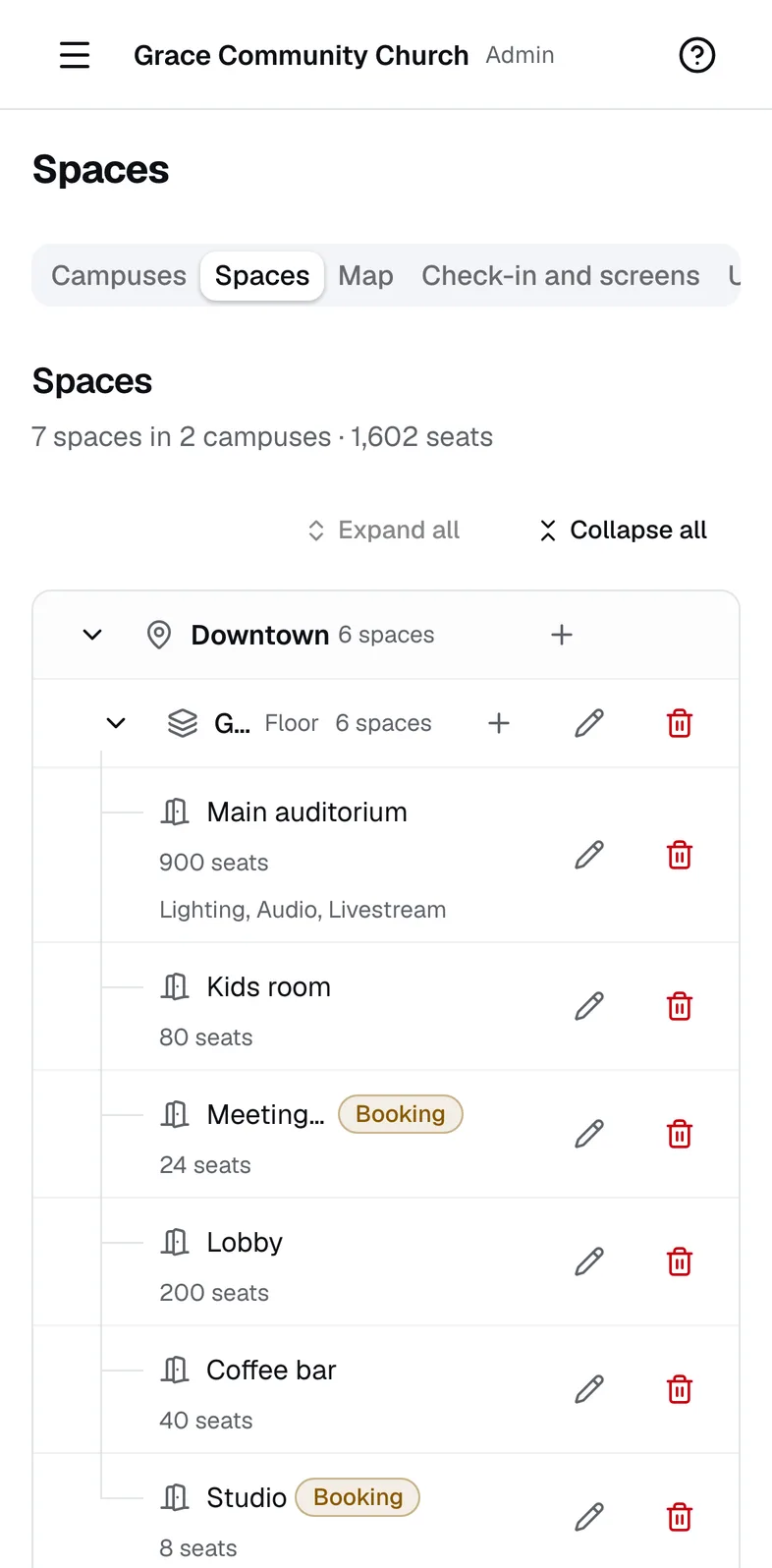
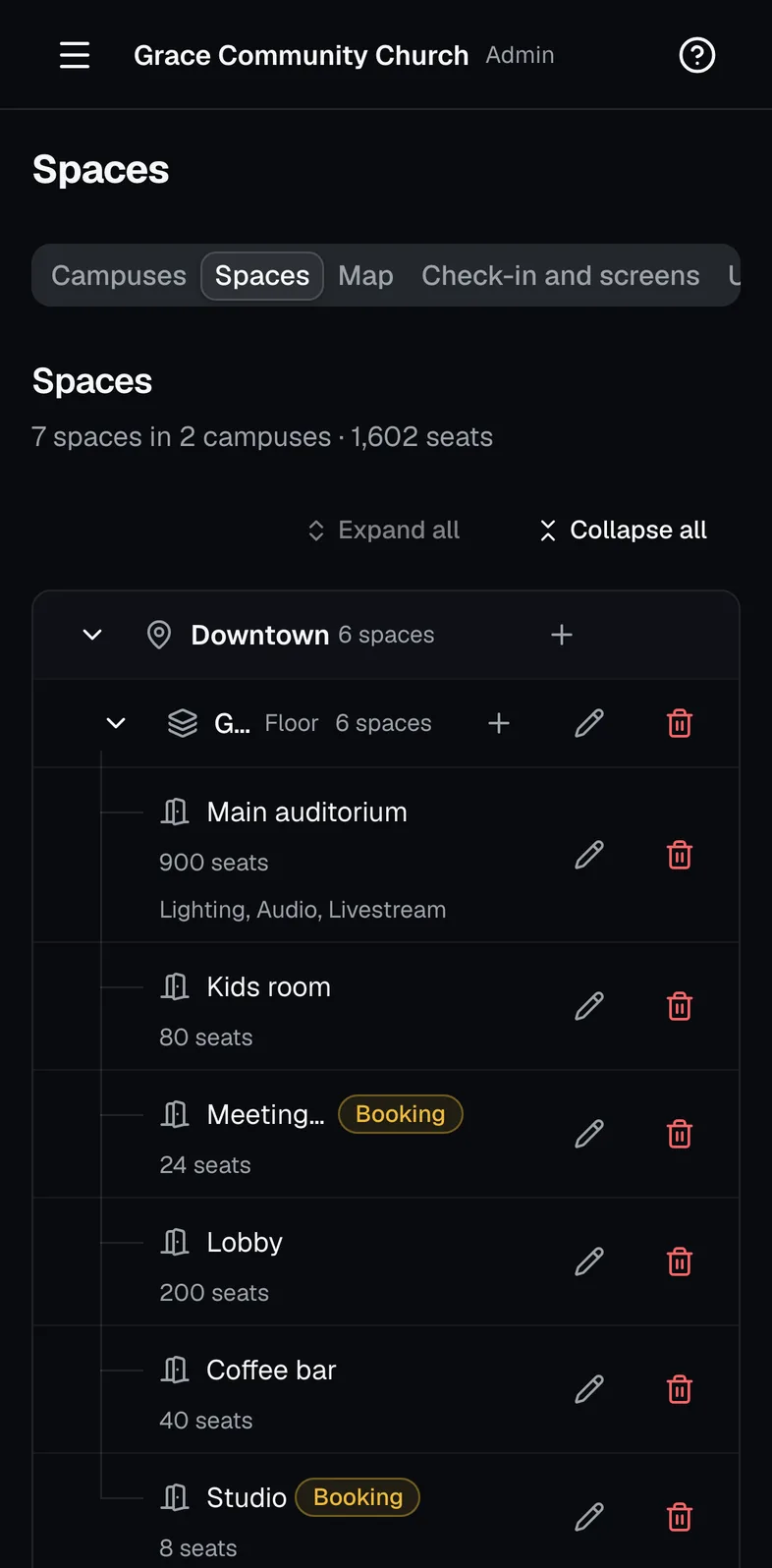
For leaders: the operations team sets up the spaces and follows the bookings.
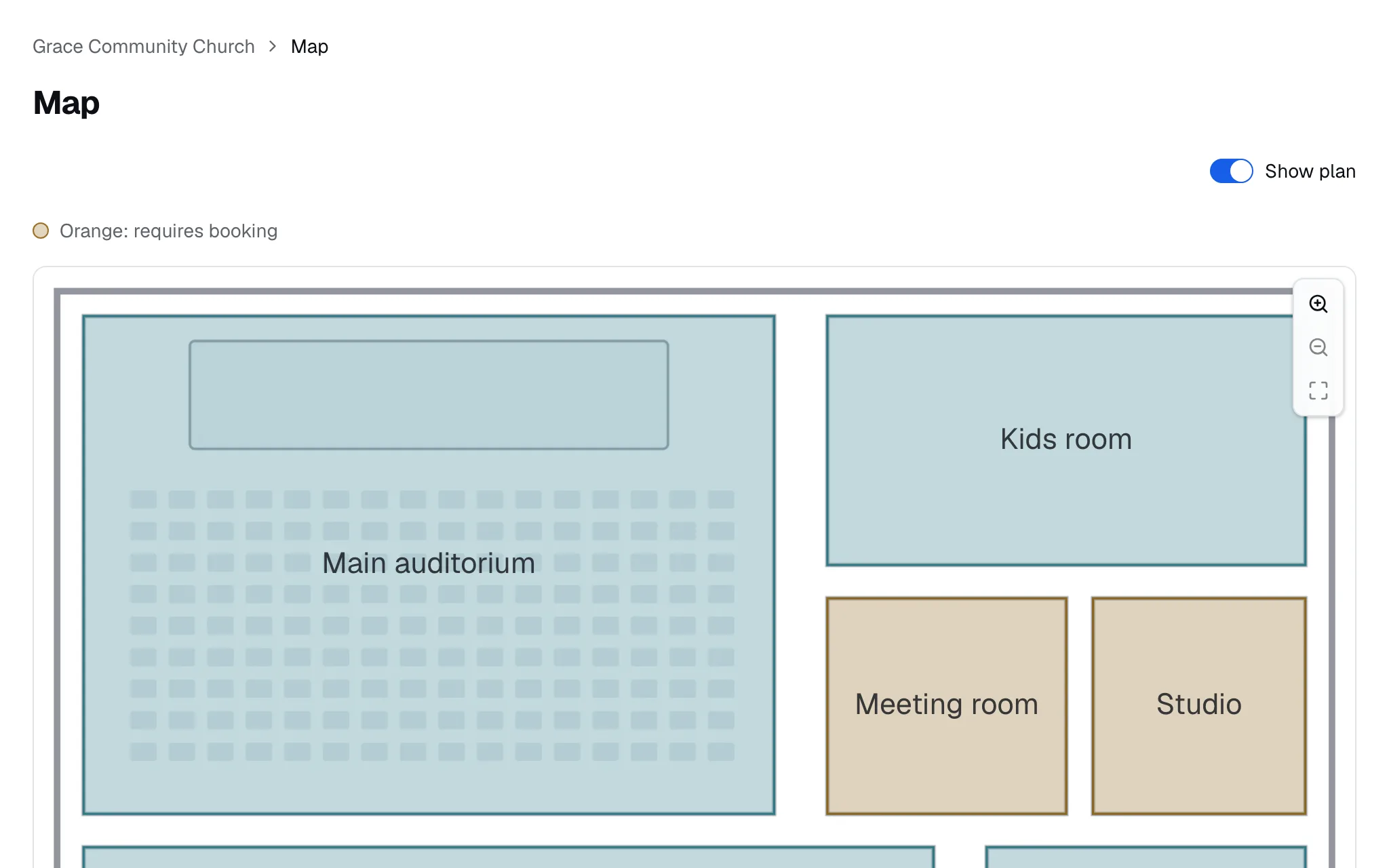
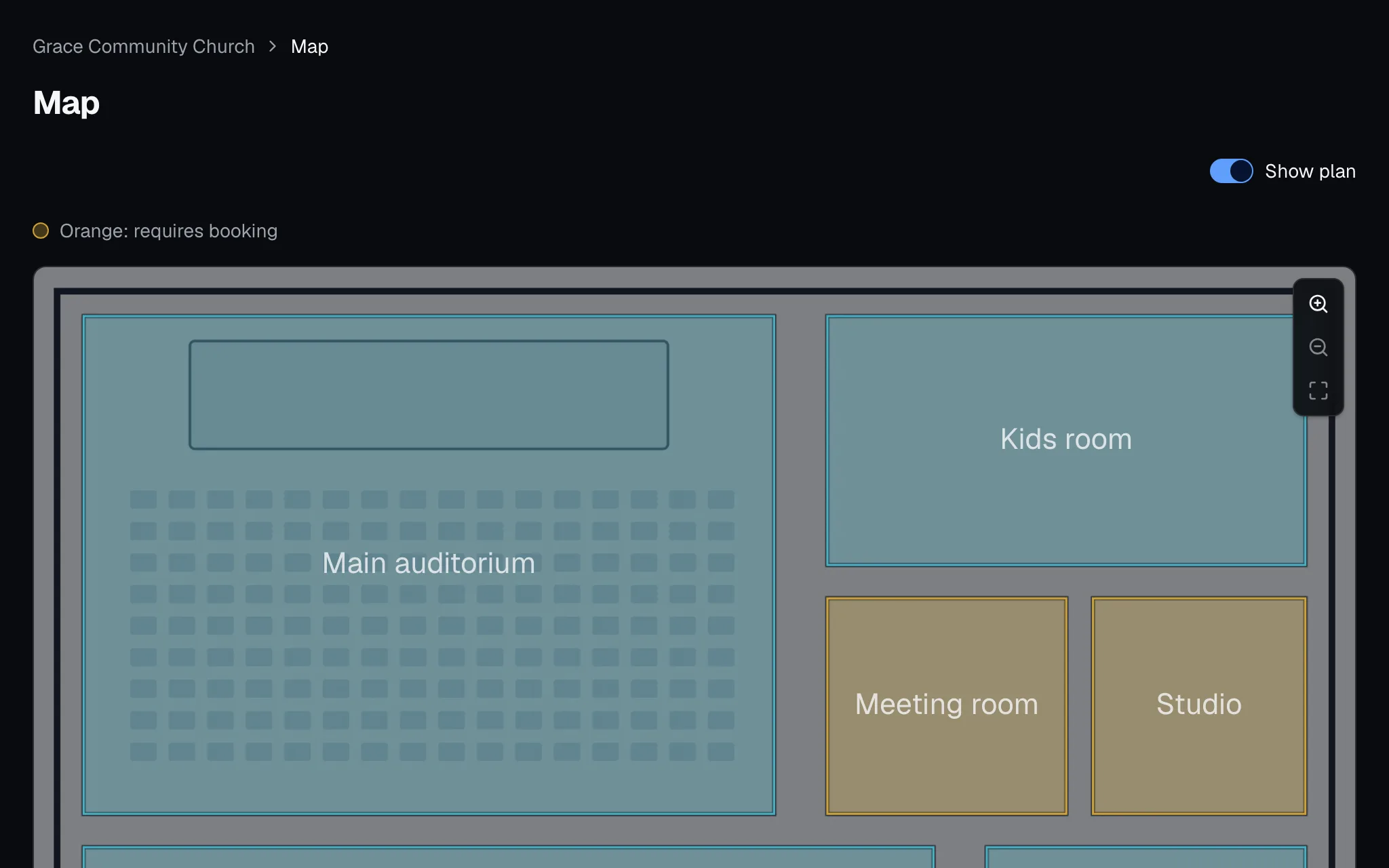
- Church mapThe building plan from a PDF, with areas and rooms drawn on top, floor by floor.
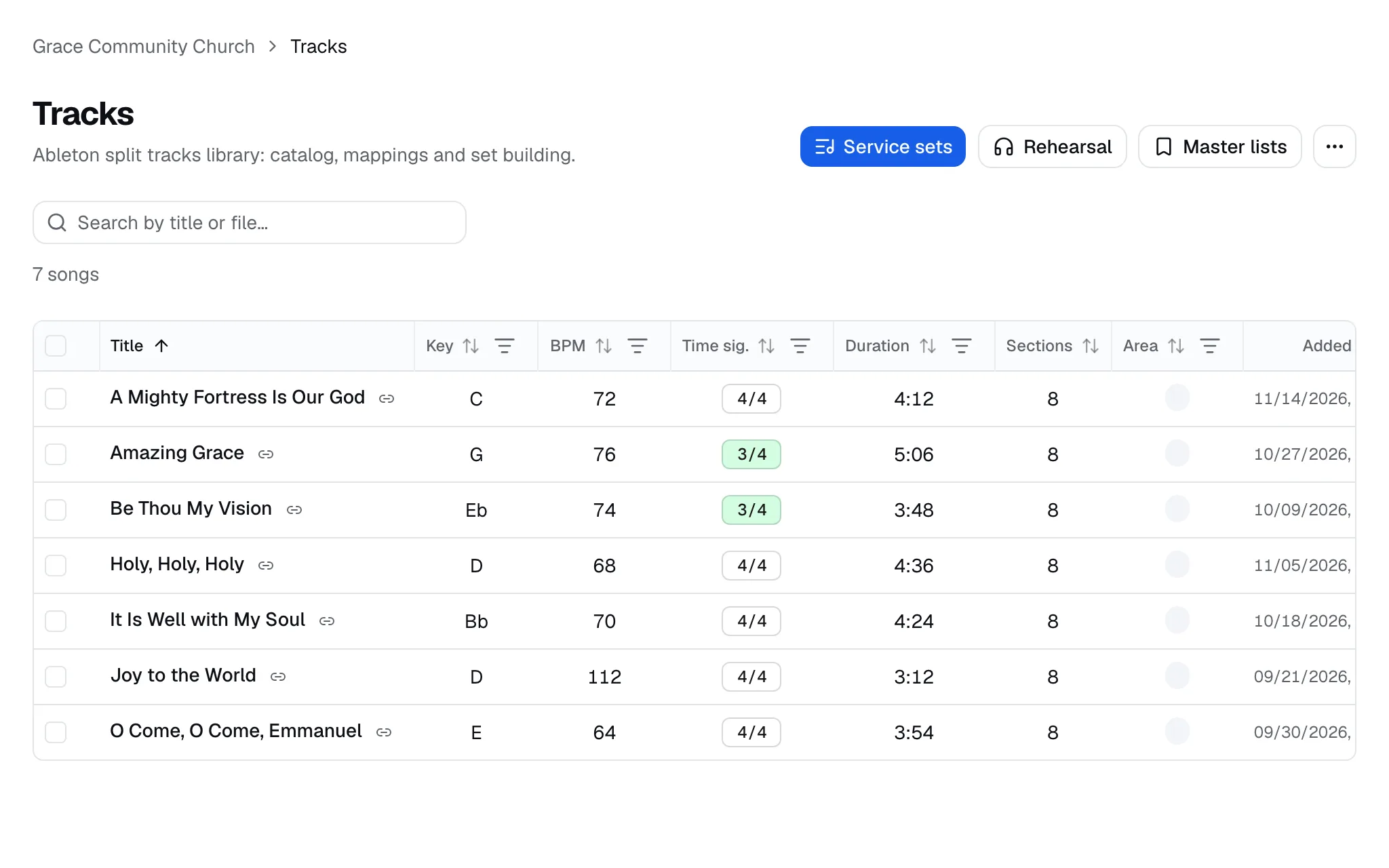
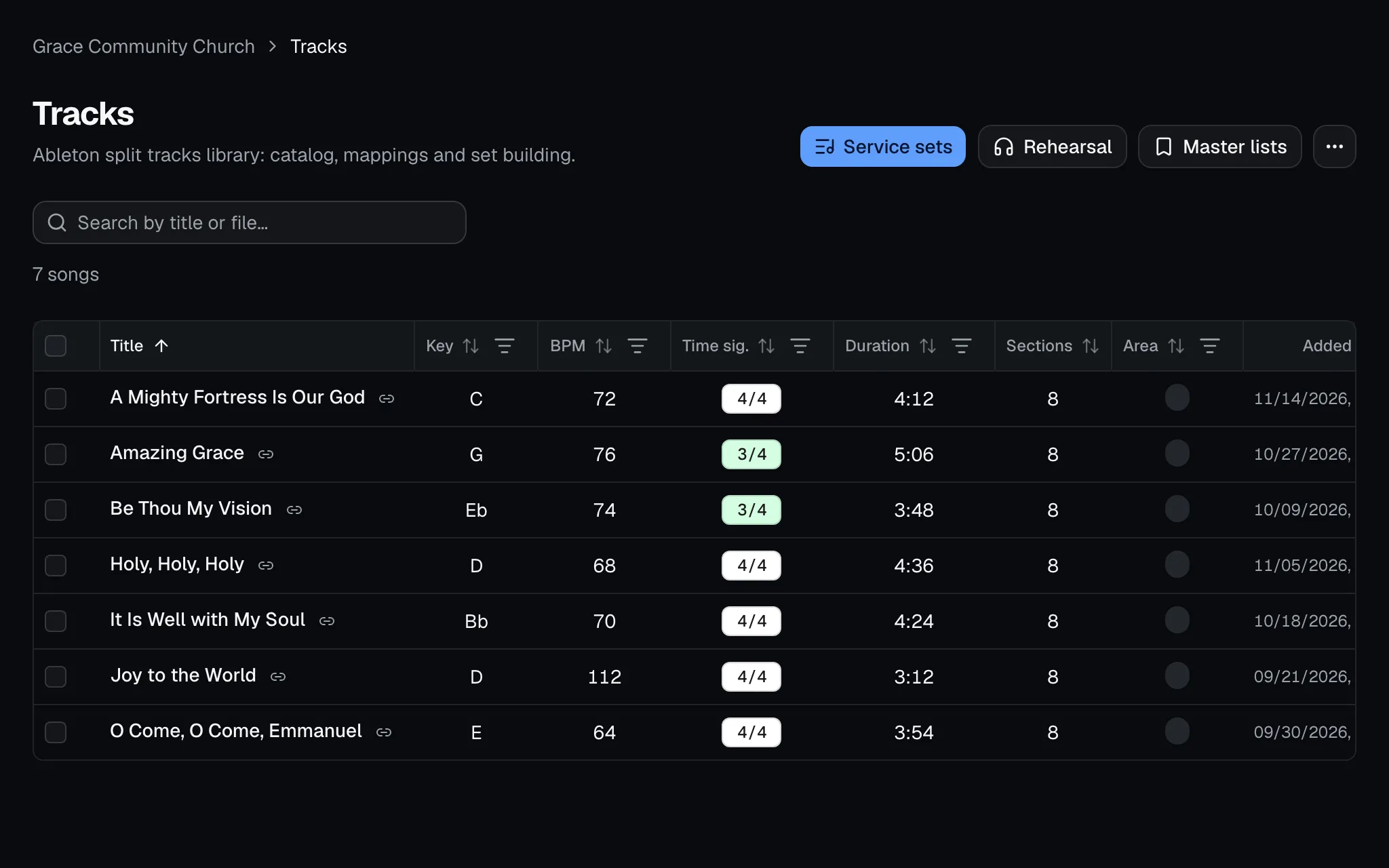
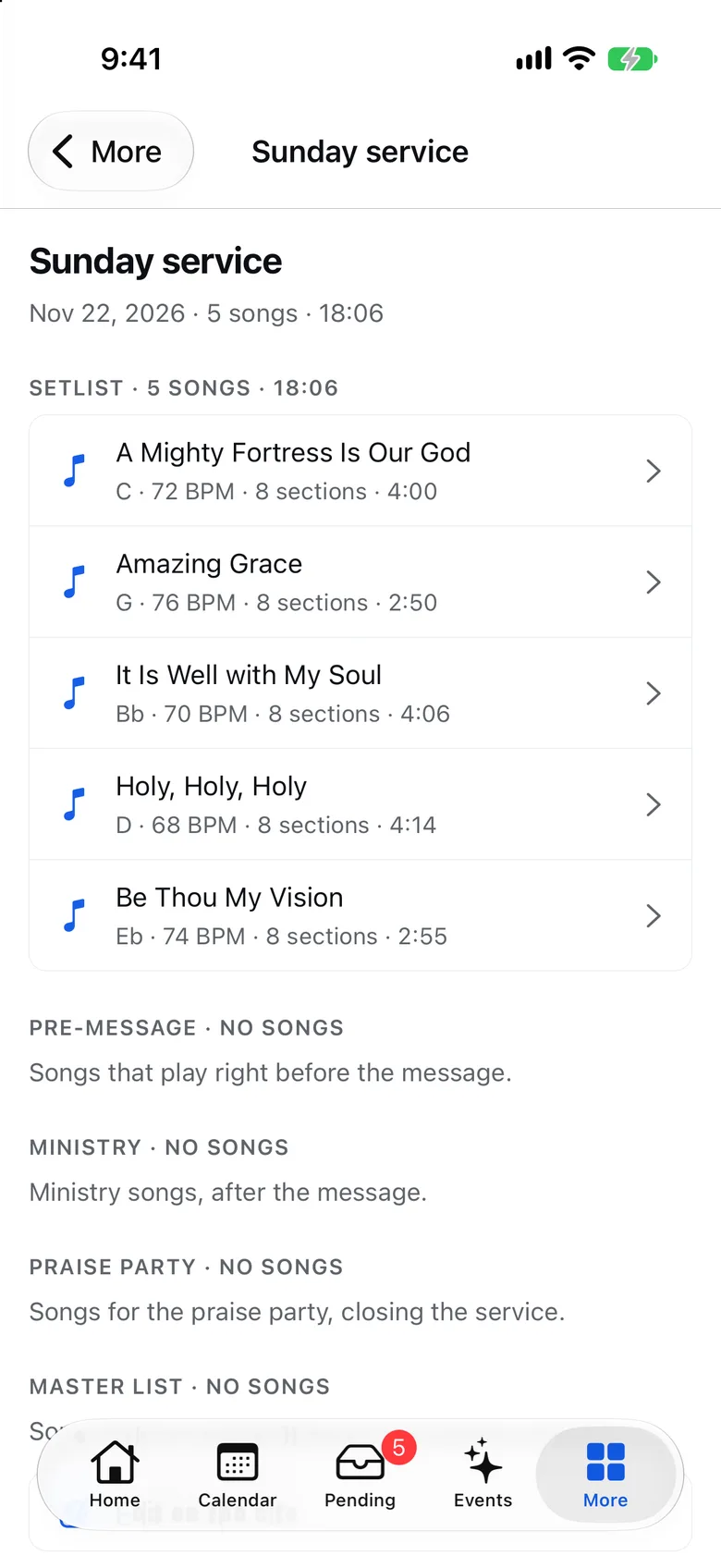
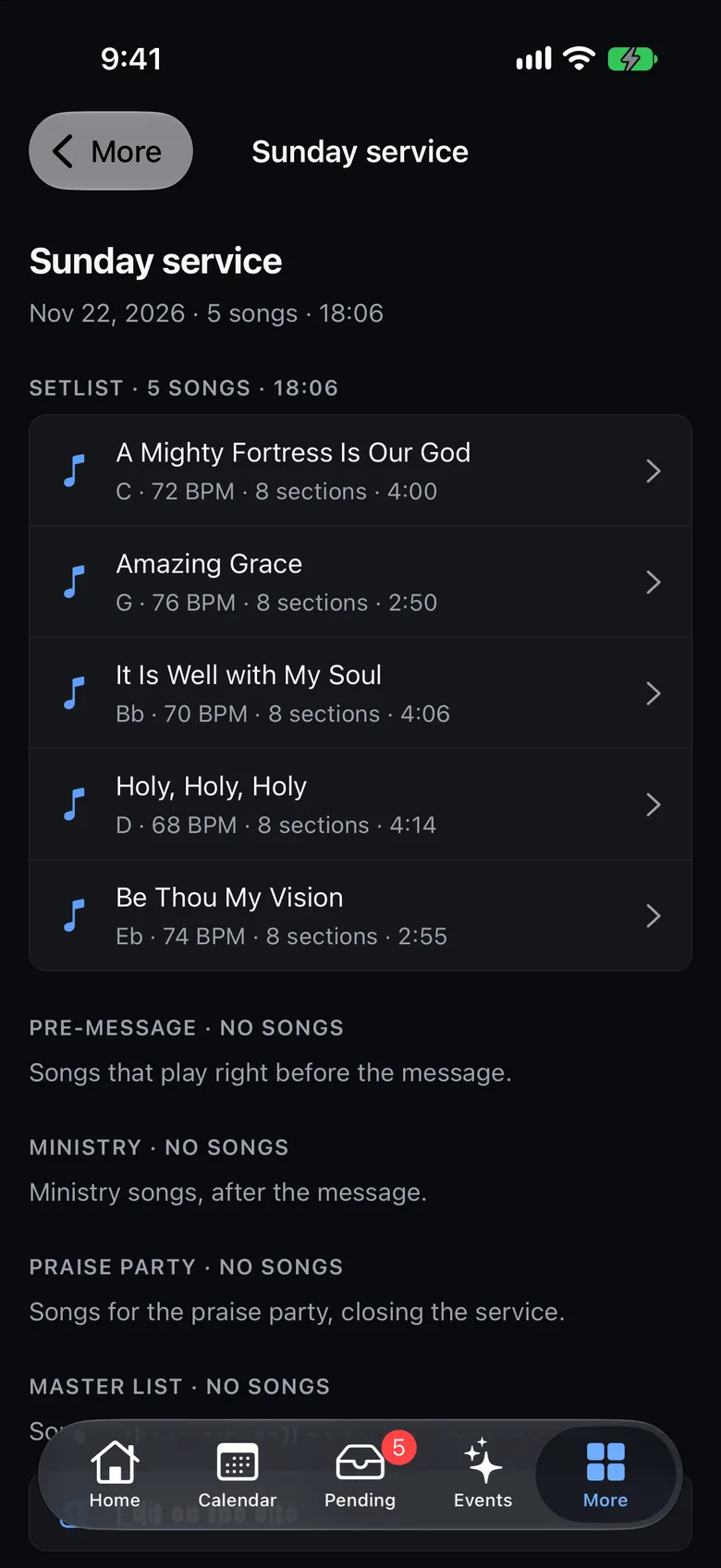
- Tracks for worshipA multitrack song library with key, BPM, time signature and structure, the service setlist exported as an Ableton Live set and a player to rehearse with.
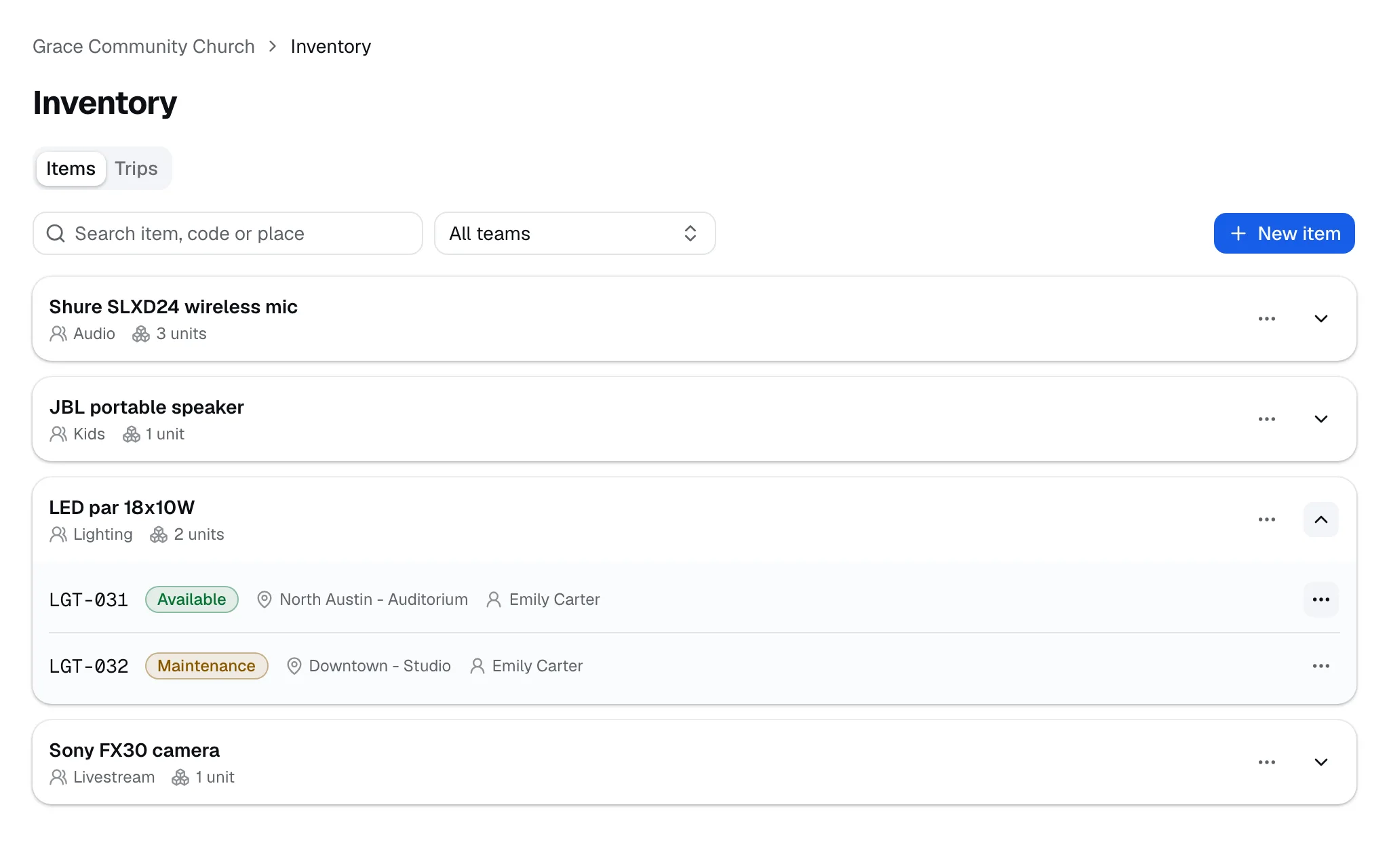
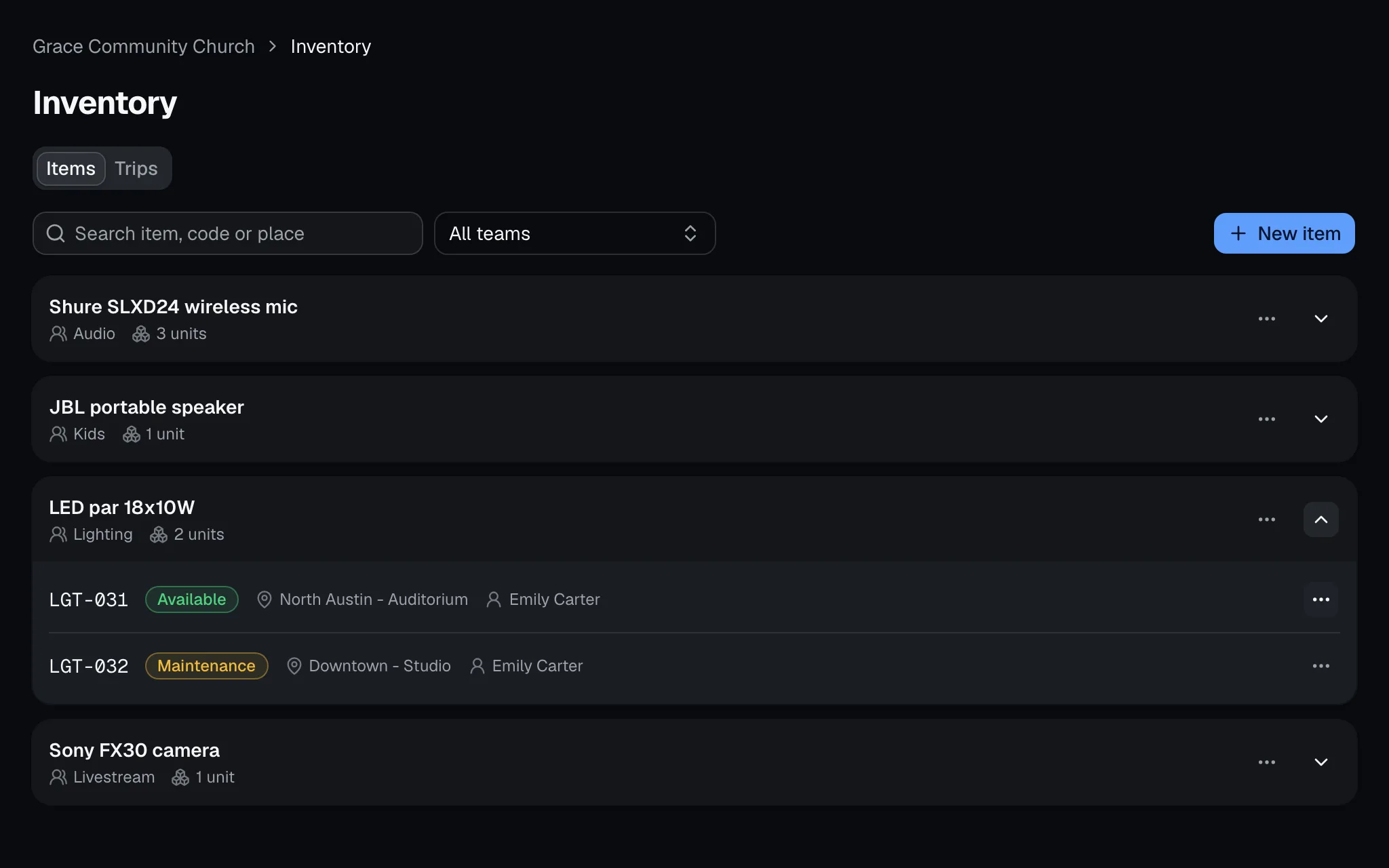
- InventoryEquipment by location, with a QR code on each unit and a record of check-outs and returns.
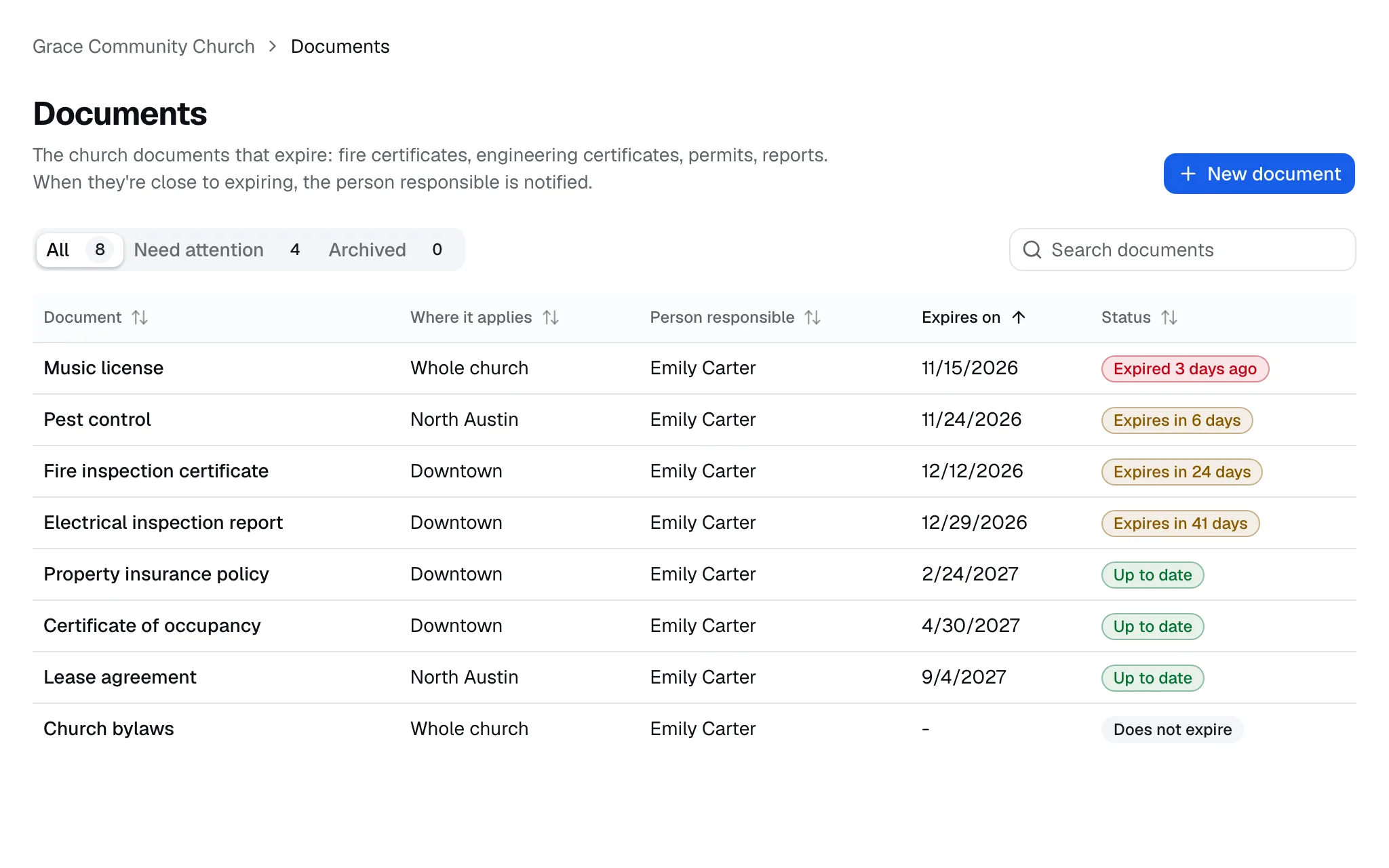
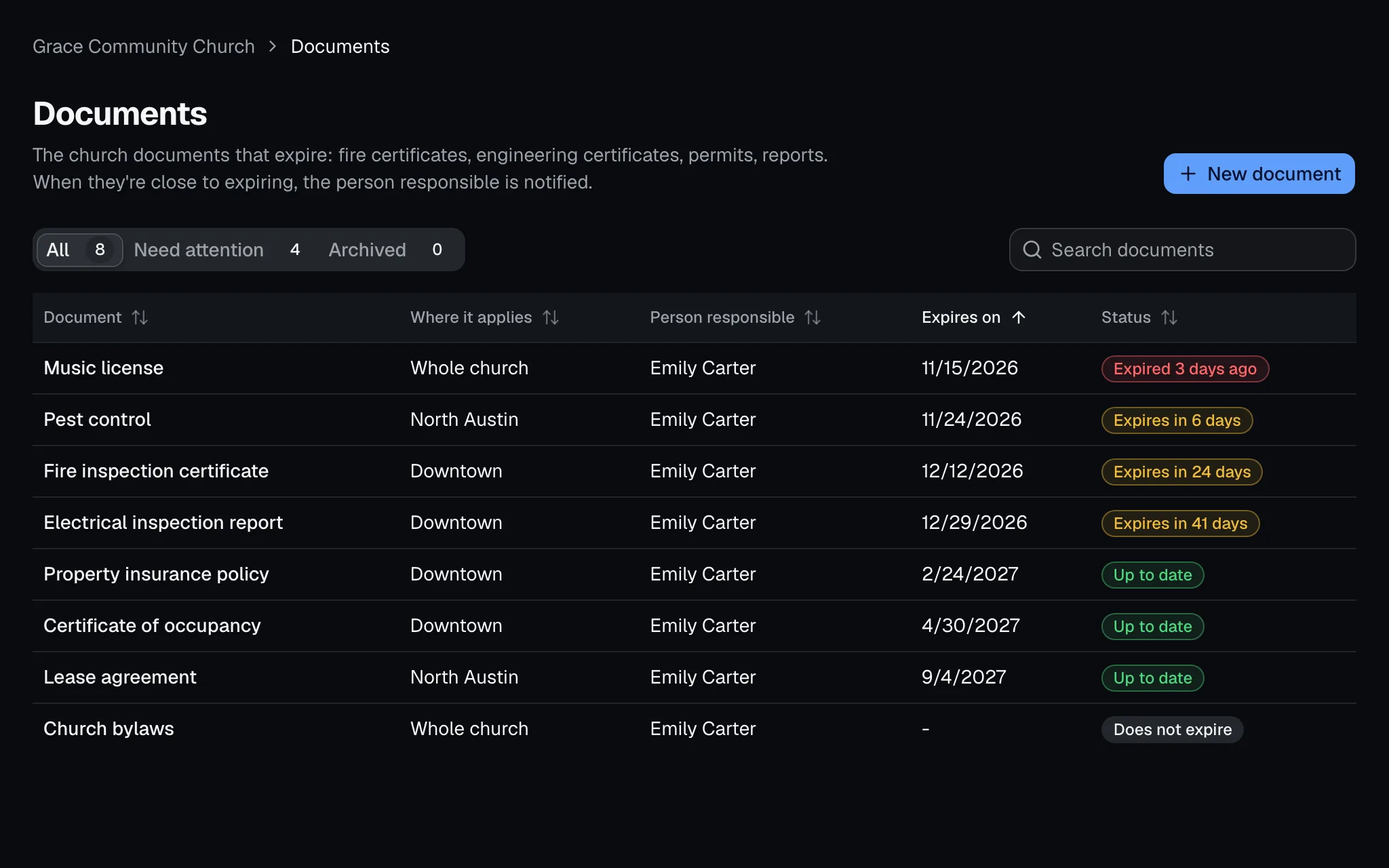
- DocumentsTraining and reference files per team, with PDF viewing in the browser.
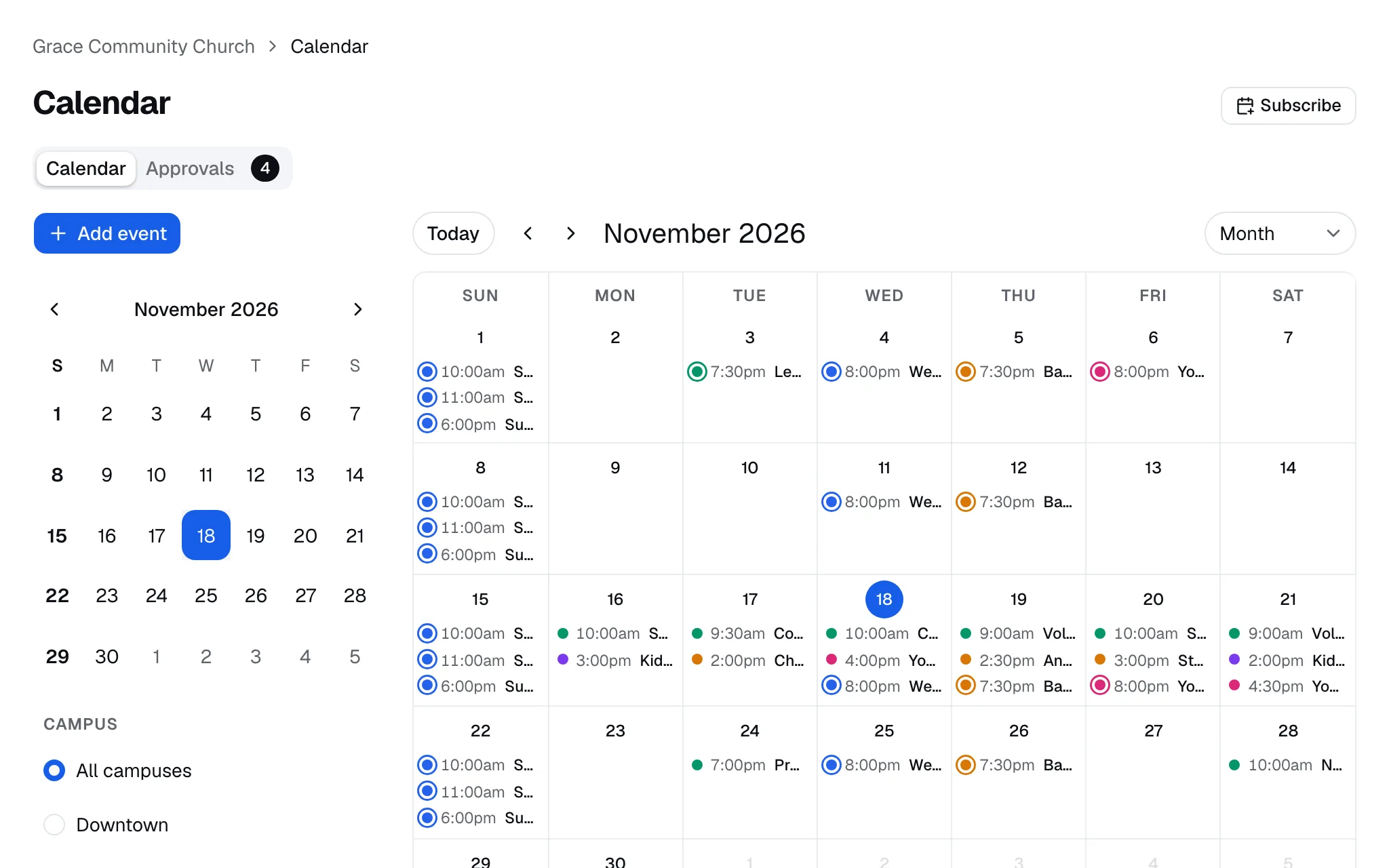
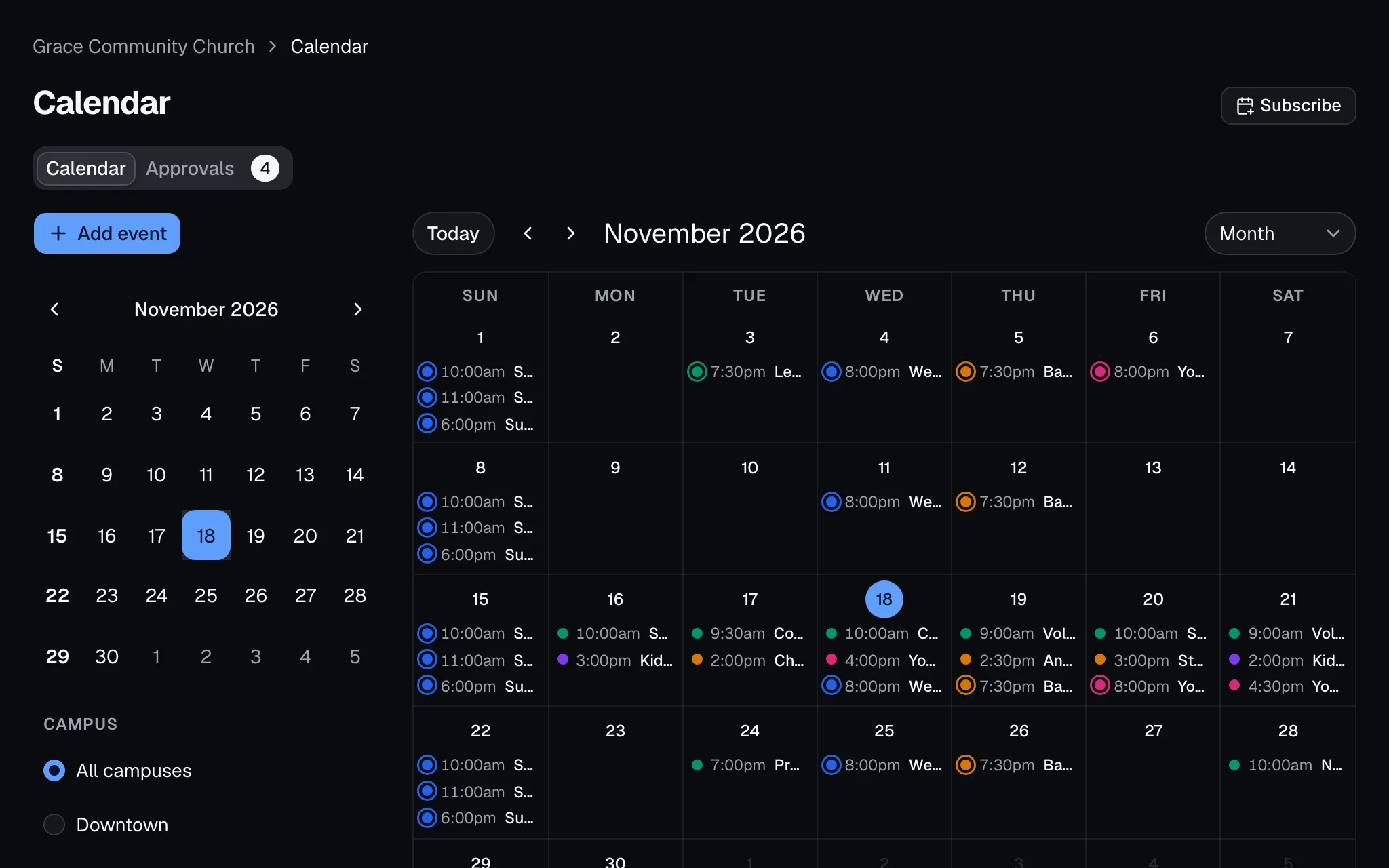
For leaders: whoever runs the calendar decides on requests and sees, in a section of its own, what is still with the team leader.
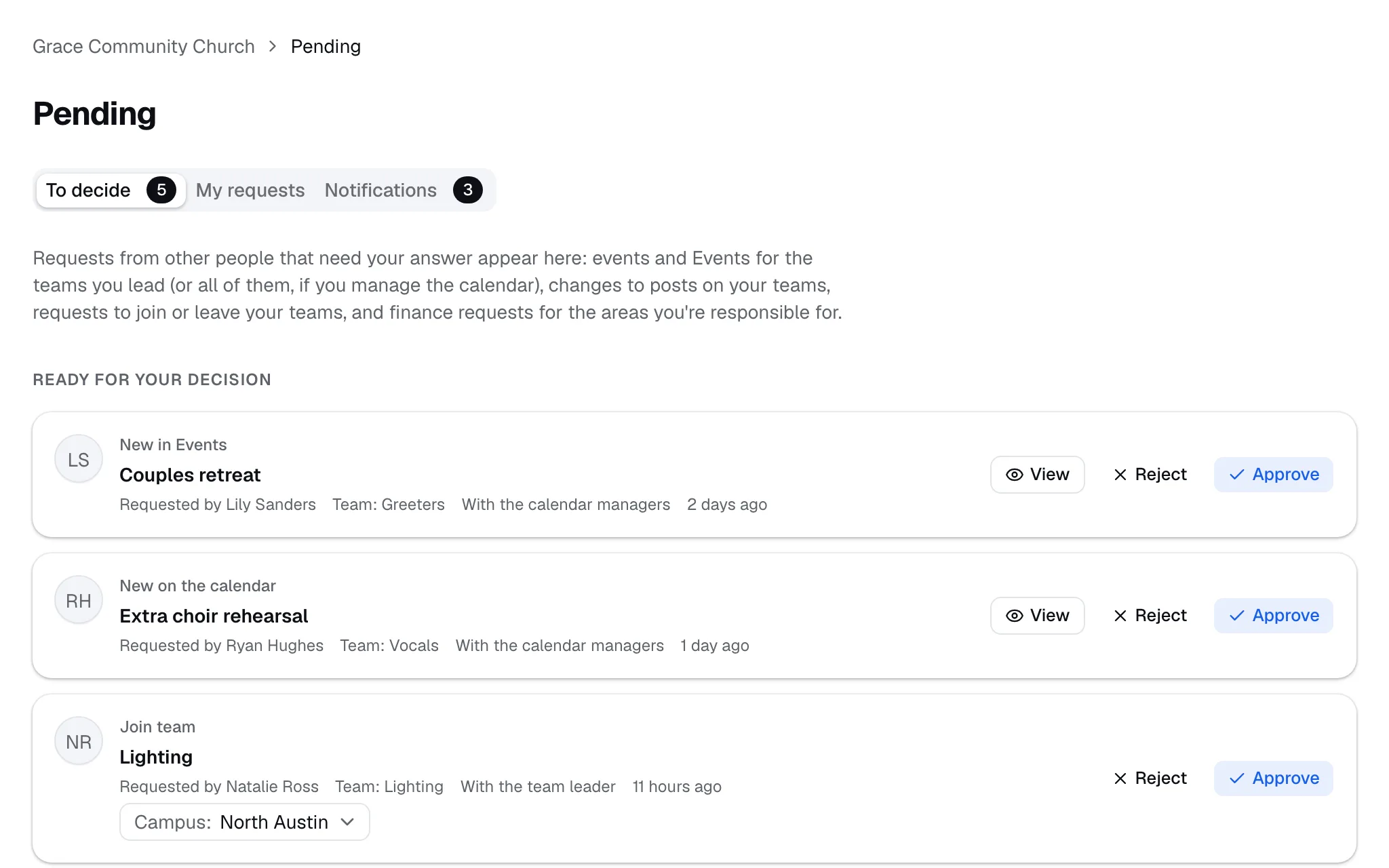
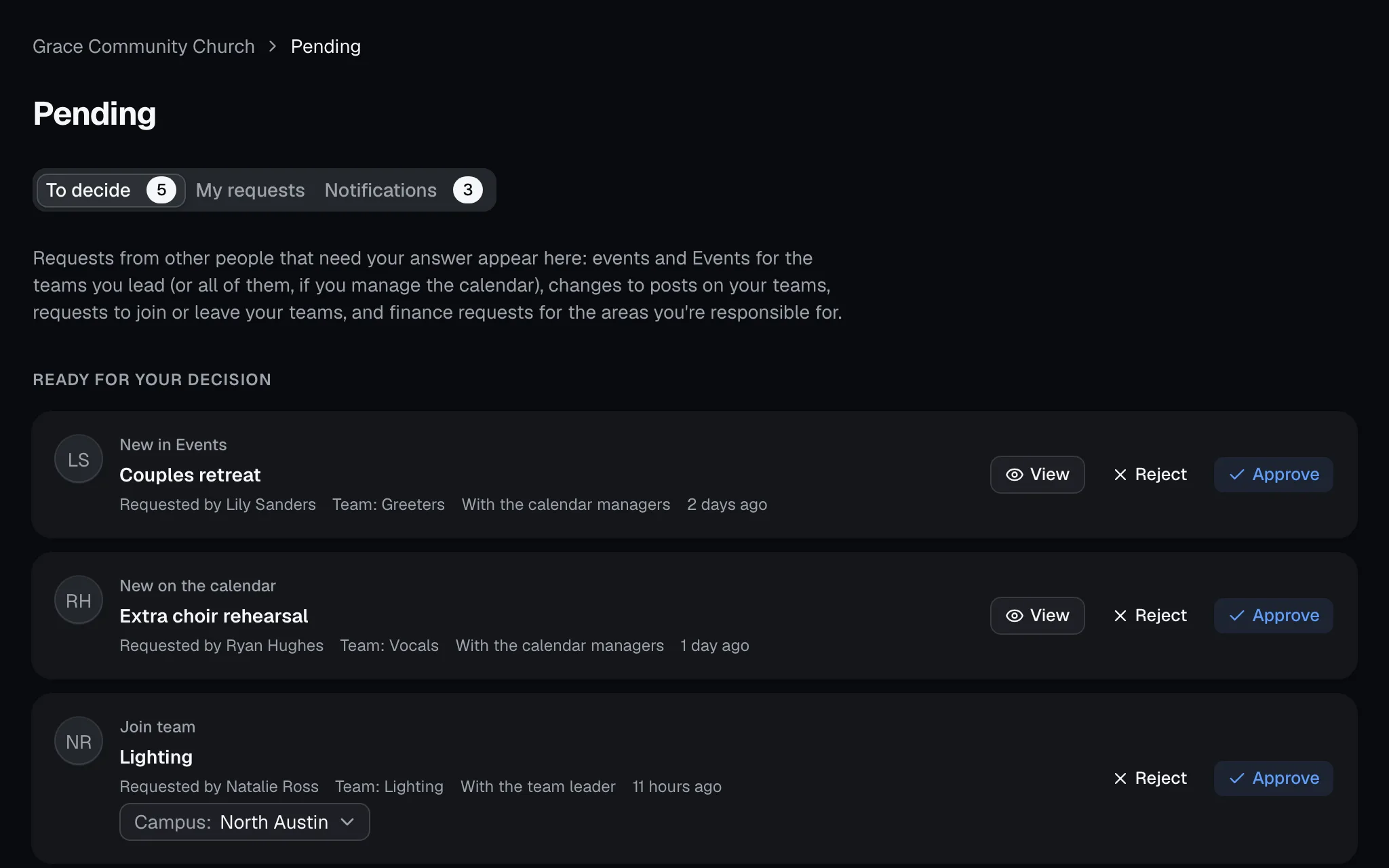
iPhone and Android app
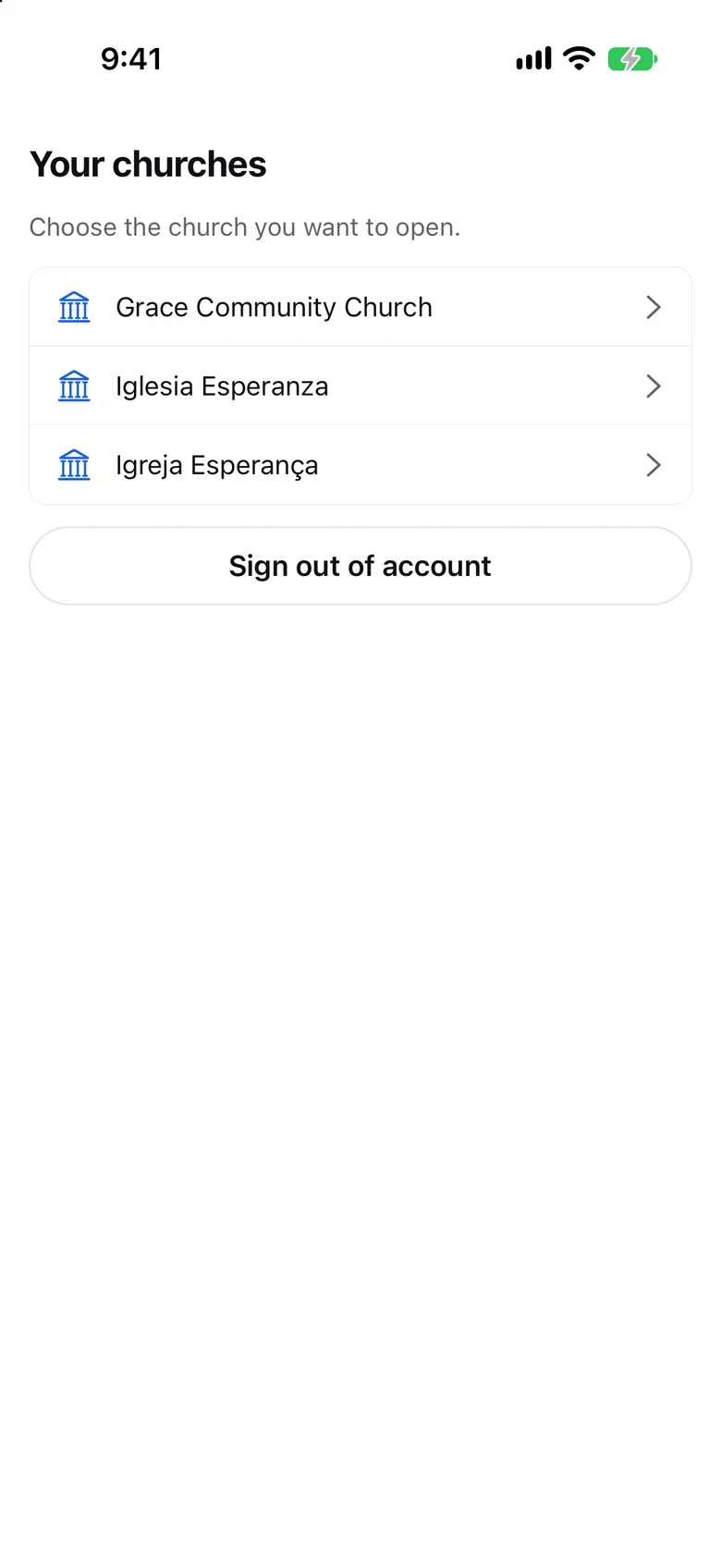
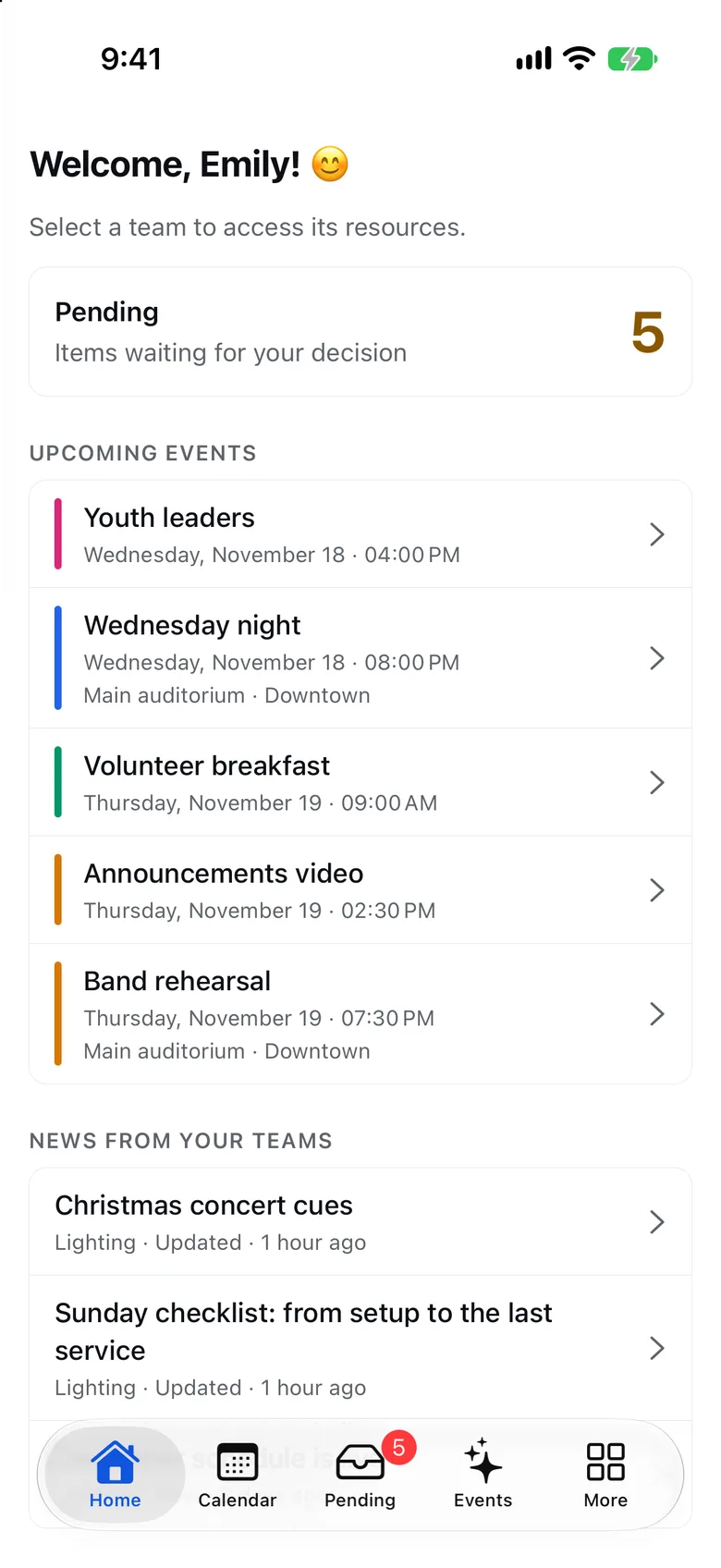
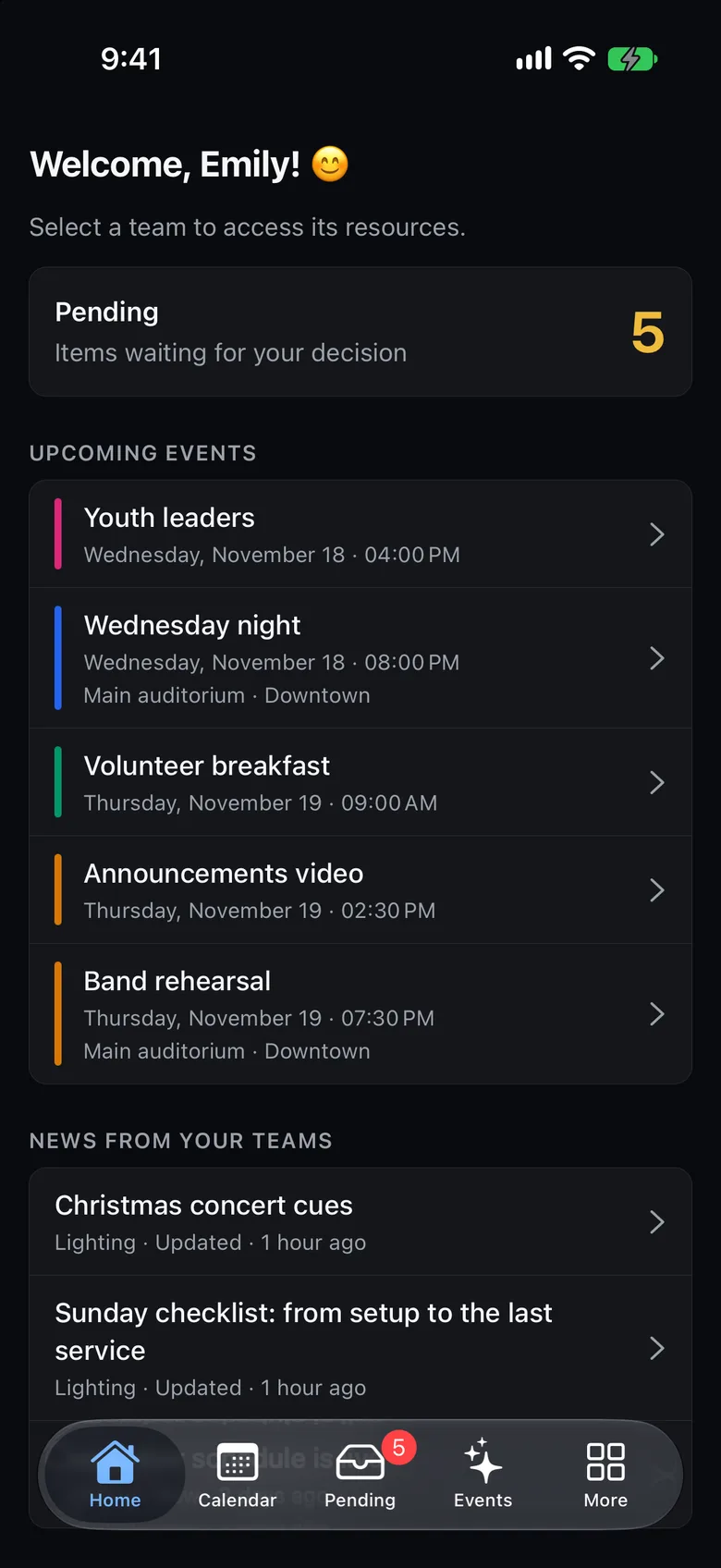
One app for every church on the account, with Home, Calendar, Pending and Events as tabs, offline reading and a separate session per device.
For leaders: the same access as the website works in the app, with no separate sign-up.
Also included
What comes with every area, with nothing extra to set up.
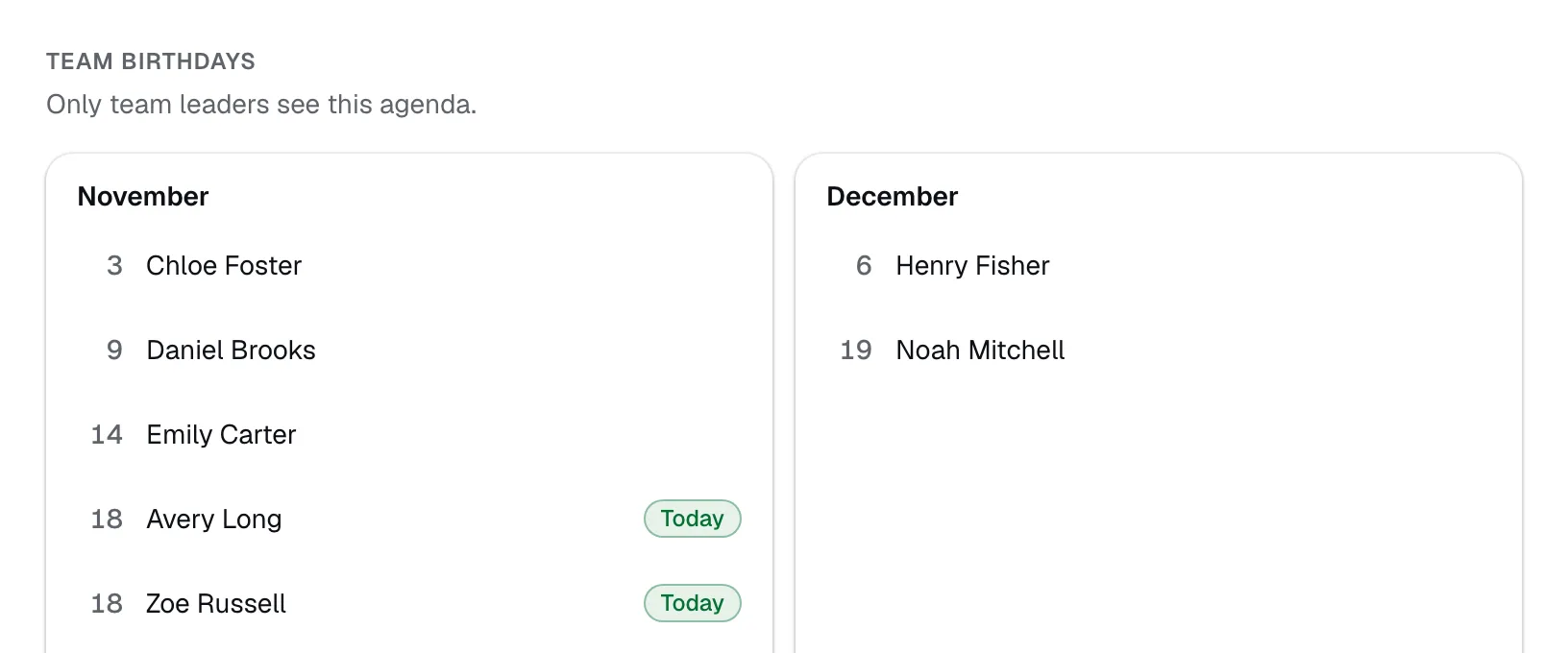
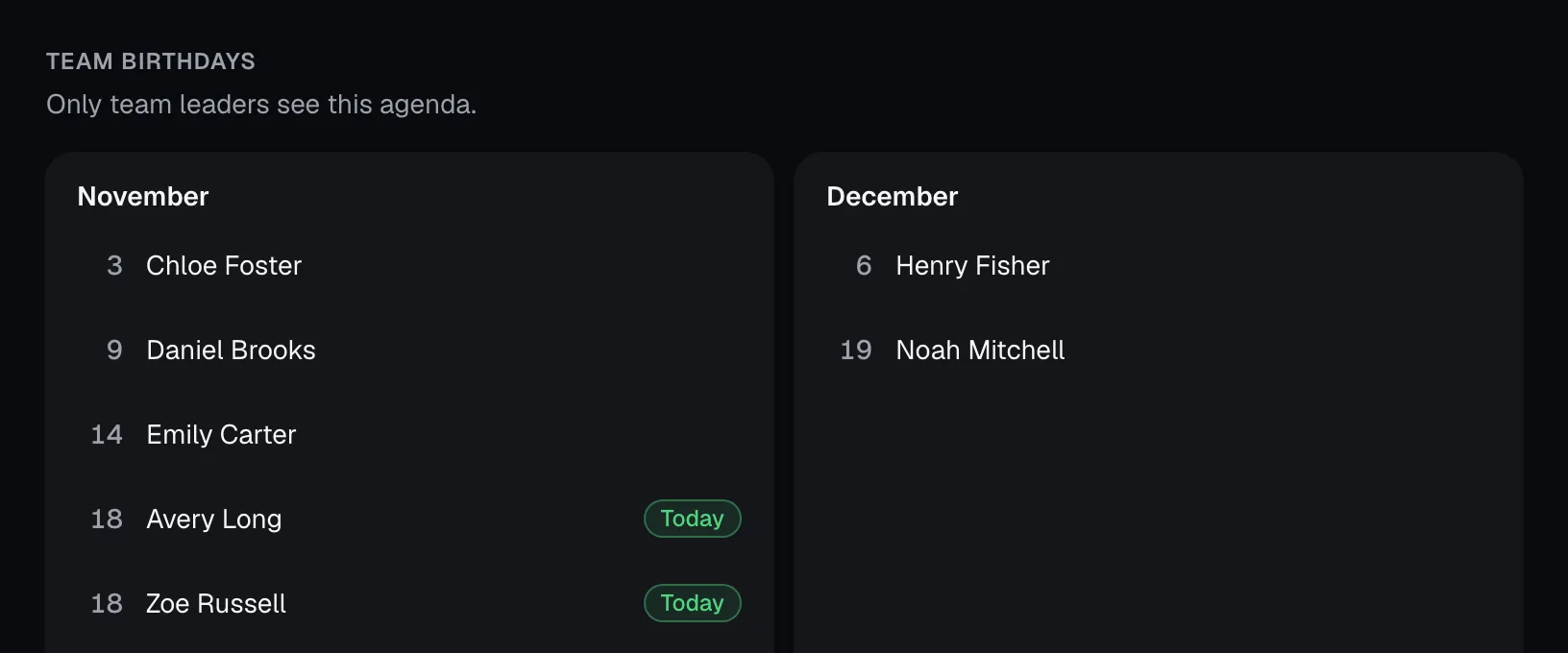
- Team birthdays, visible to leaders only
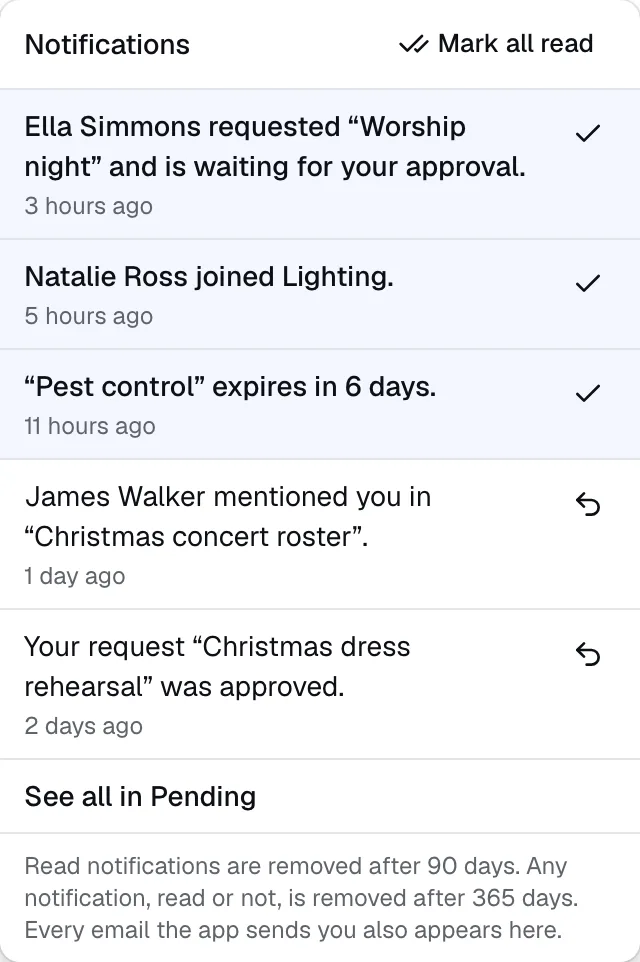
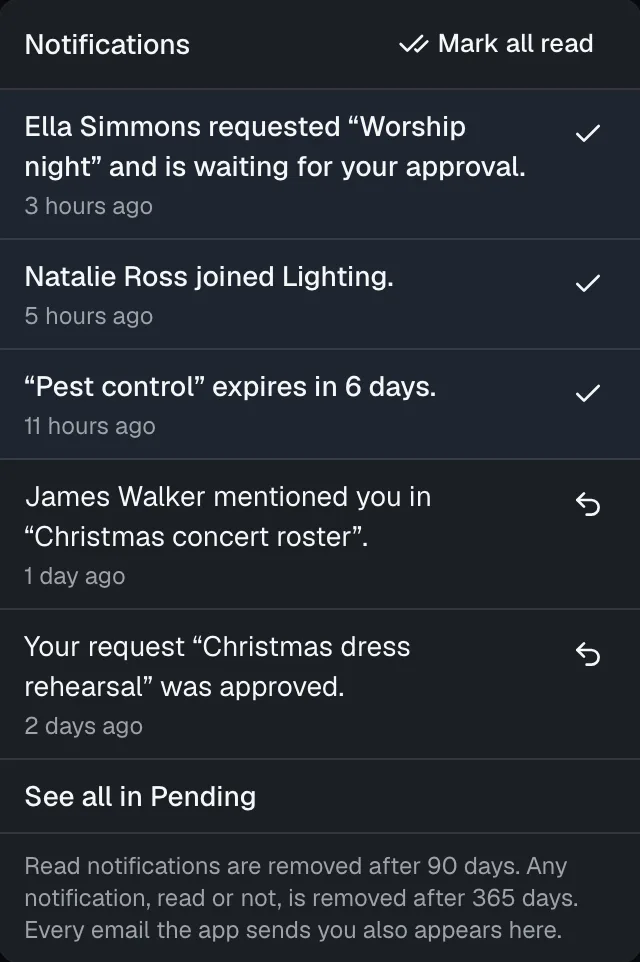
- Notifications for what is waiting on your decision
- Interface in English, Portuguese and Spanish
- A help guide on every screen